
Canva Connect: built-in image editor (1-click) - Module PrestaShop
PrestaShop Canva Connect Module: Edit and Sync Your Product Images in 1 Click
Edit your product images directly from PrestaShop with Canva's power, retouching, text, badges and filters in one click, with automatic sync included.
Everything you need, nothing you don't.
Edit your product images with Canva directly from your PrestaShop back office.
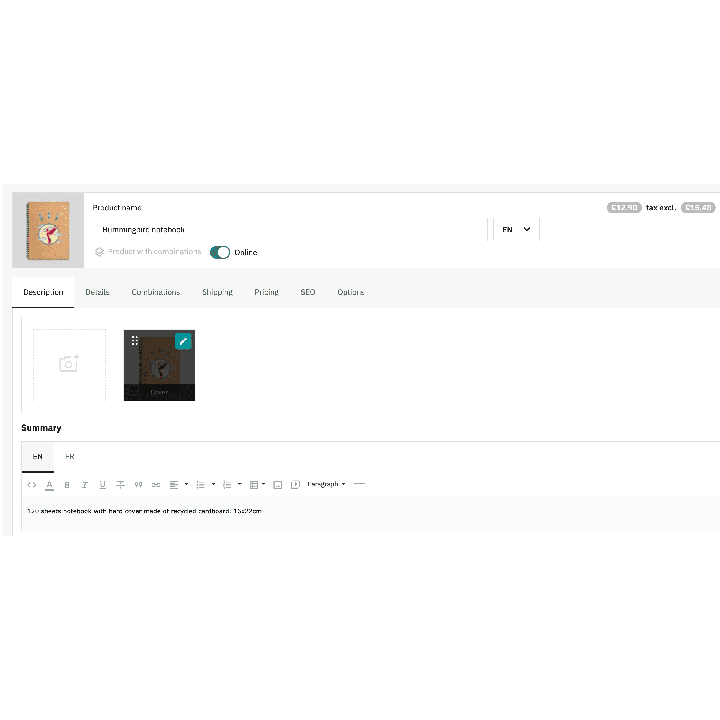
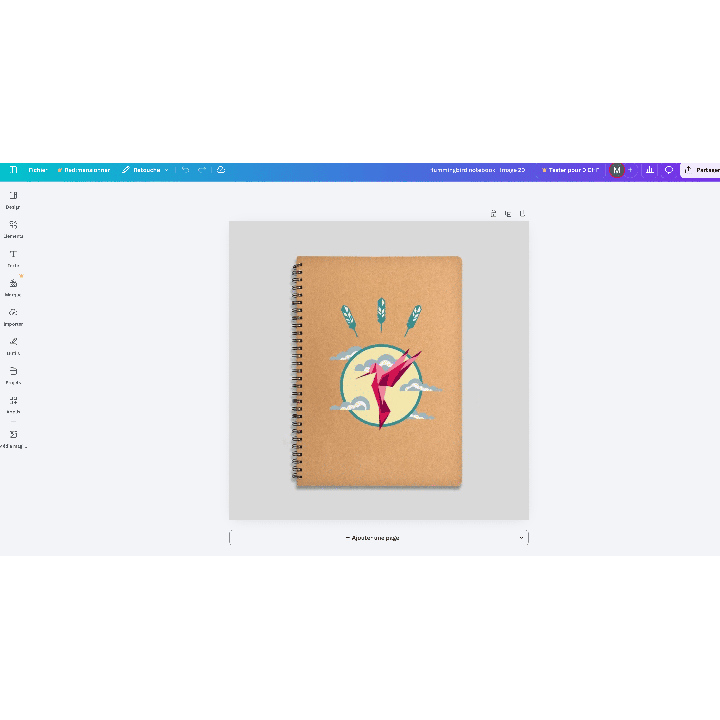
One-click editing from BO
Open Canva and edit images without leaving PrestaShop.
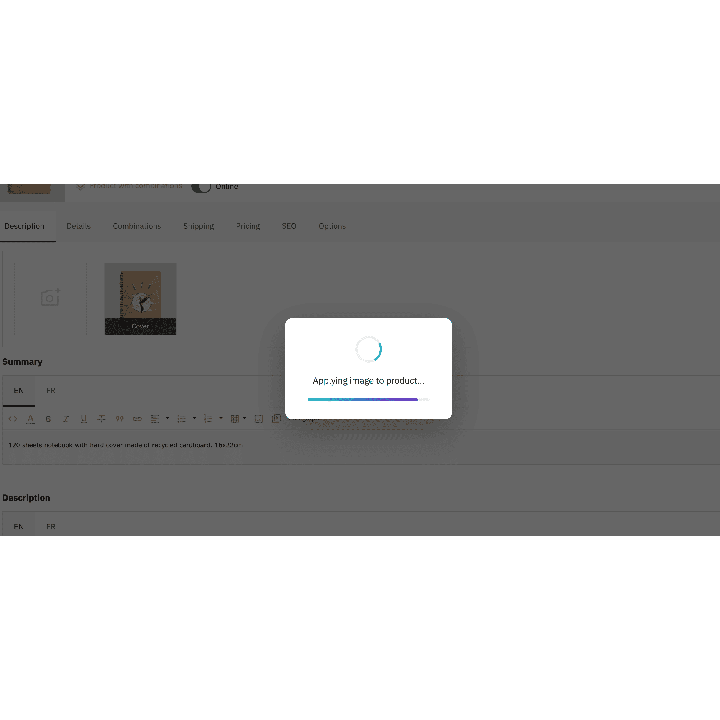
Automatic synchronization
Edited images are automatically sent back to PrestaShop.
Retouching, text and badges
Add filters, promotional texts and badges in a few clicks.
All image formats supported
JPEG, PNG, WebP — compatible with all product formats.
Zero friction workflow
No more downloads or cluttered folders to manage.
Canva templates included
Ready-to-use templates for an instant professional look.
They use it every day.
description Full description expand_more
Elevate Your Catalog in One Click: Canva Power Now in PrestaShop
Visual quality is the primary driver of online sales. Yet, image editing is often a slow and tedious process. Canva Connect revolutionizes your daily routine by merging the world’s most intuitive design tool with your PrestaShop store. No more endless downloads and cluttered folders: turn your browser into a true professional creative studio.
A "Zero Friction" Workflow for Record Productivity
Say goodbye to the endless cycle: Download > Edit on PC > Save > Re-upload > Check. With our module, your workflow becomes instantaneous:
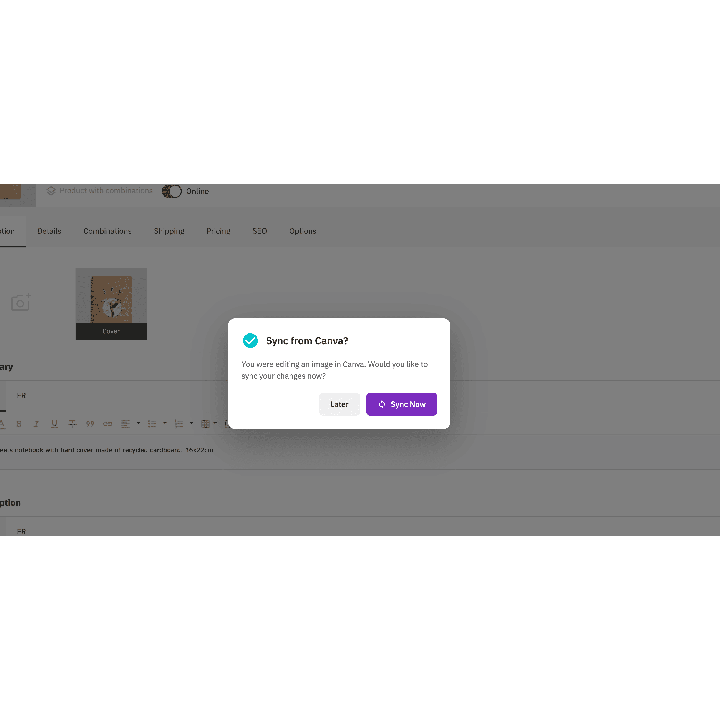
- Direct Editing: Click the Canva icon directly from your product sheet.
- Intuitive Creation: The familiar Canva interface opens with your image. Add text, promo badges, or filters in seconds.
- Instant Sync: Click "Save" and your store updates automatically. Cut your iconography time by 4!
Boost Your Conversion with Professional Design
Don't settle for simple photos. Catch the eye and reassure your customers by adding graphic elements that make a difference:
- Visual Marketing: Seamlessly integrate "Best Seller", "-50%", or "Quality Guaranteed" badges.
- High-End Look: Use thousands of Canva templates (Free or Pro) to give your brand a strong visual identity without any graphic design skills.
- Improved UX: Polished and informative visuals increase trust and drastically reduce cart abandonment.
SEO Performance & Bank-Grade Security
Beyond design, we've perfected the technical side to ensure store speed and data safety:
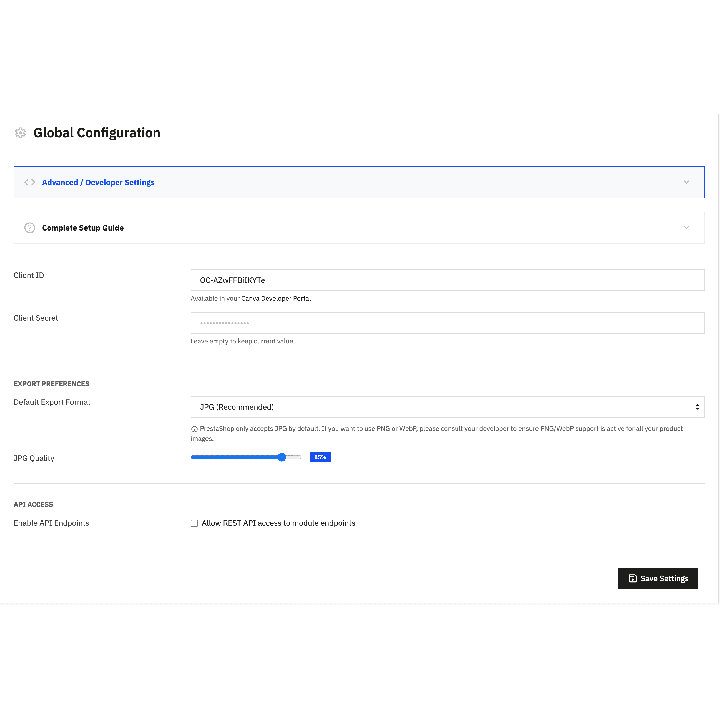
- SEO Optimization: Export your creations in WebP, JPG, or PNG formats and adjust quality for ultra-fast loading times.
- Total Automation: The module automatically regenerates all your thumbnails (home, cart, large) for a perfect display on mobile and desktop.
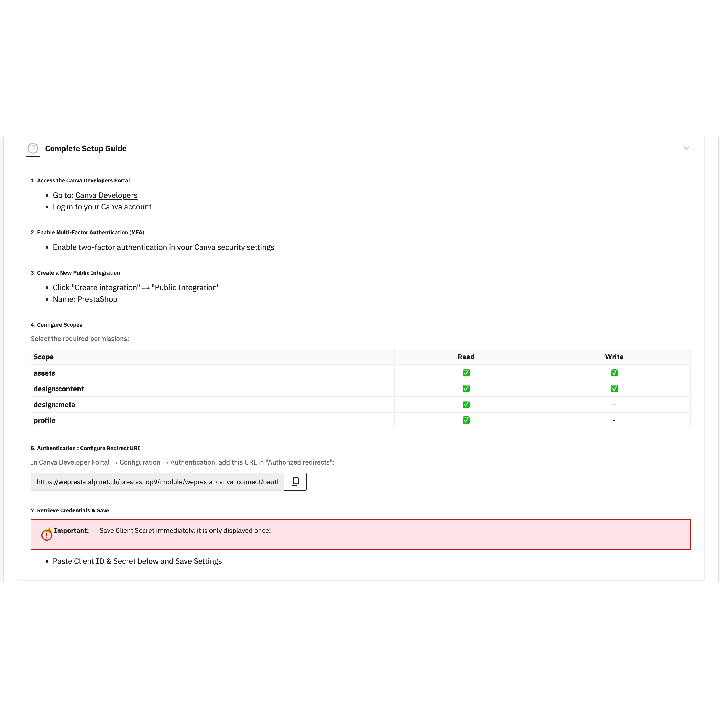
- Maximum Security: Ultra-secure connection via OAuth 2.0 with PKCE, ensuring your access is fully protected.
Ready for the Future of E-commerce
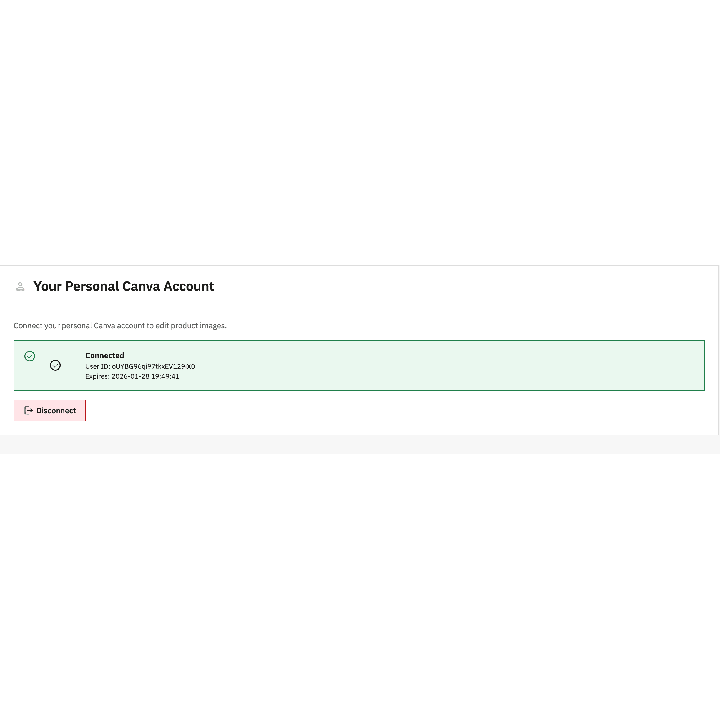
Built to last, the module is fully compatible with PrestaShop 8 and 9, as well as Multi-store mode. Thanks to the built-in setup wizard, link your Canva account in less than 2 minutes and start transforming your shop today. Don't just manage your catalog—sublime it.
Why choose us?
See how we compare to the most common alternatives on the market.
| Feature | WePresta | Addons |
|---|---|---|
| payments Transparent pricing | check_circle | cancel |
| update Lifetime updates included | check_circle | cancel |
| support_agent Direct developer support | check_circle | cancel |
| verified PS 1.7, 8 & 9 compatible | check_circle | help_outline |
| code Standardized clean code | check_circle | cancel |
| storefront Multi-store ready | check_circle | help_outline |
| money_off No hidden renewal fees | check_circle | cancel |
Discover the module in images.
Canva Connect: built-in image editor (1-click)
Canva Connect: built-in image editor (1-click)
Canva Connect: built-in image editor (1-click)
Canva Connect: built-in image editor (1-click)
Canva Connect: built-in image editor (1-click)
Canva Connect: built-in image editor (1-click)
Canva Connect: built-in image editor (1-click)
FAQ
Find answers to frequently asked questions about this module
Join +4 merchants using this module
5-minute installation · Full documentation included