Shipping labels and parcel tracking in PrestaShop
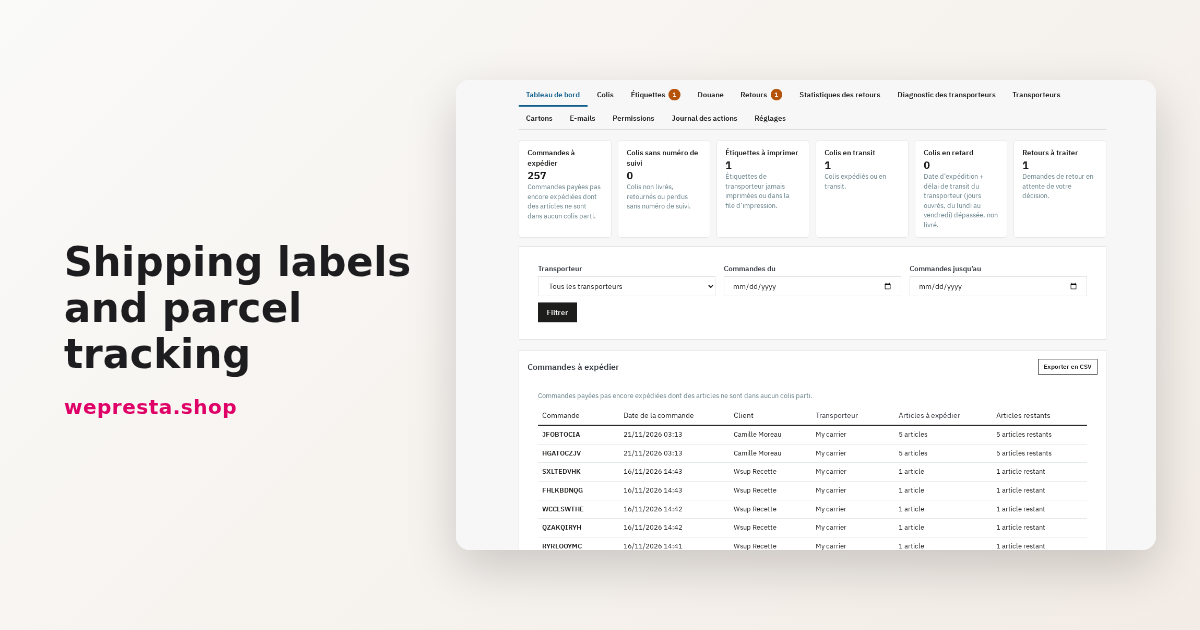
An order leaves in three parcels, carrier labels pile up in a downloads folder and tracking numbers live in a spreadsheet. The module gathers parcels, labels, customs…

Simplified European VAT compliance for your PrestaShop store.
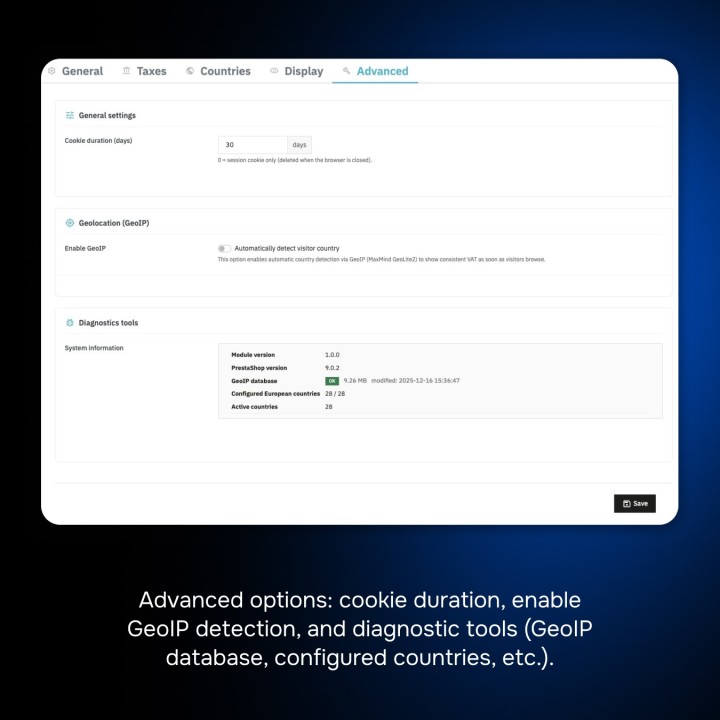
The visitor's country is automatically identified via their IP address (MaxMind).
Automatic creation of all European tax rules: standard, reduced and super-reduced.
5 included templates (Minimal, Compact, with flags…) customizable via Drag & Drop.
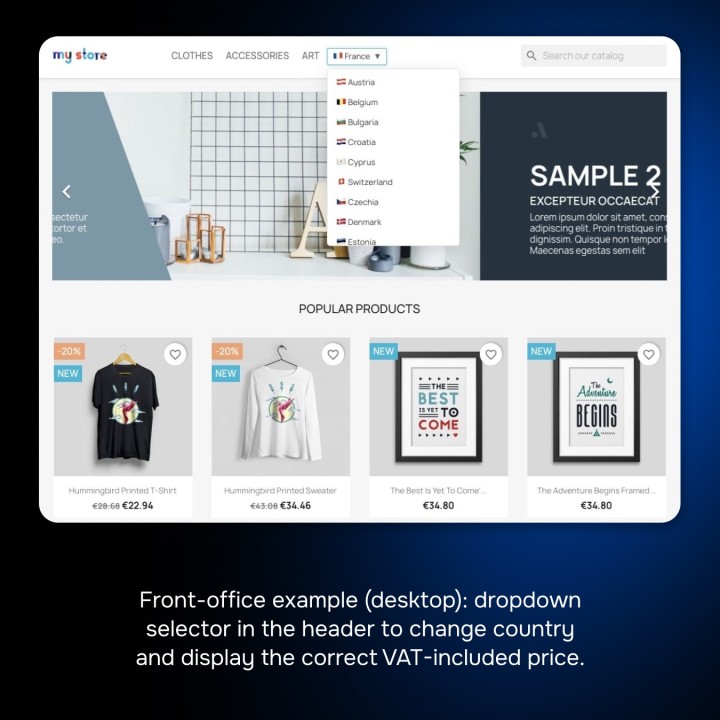
The final price is displayed from the product page — no more surprises at checkout.
Natively compatible with multi-shop and all PrestaShop languages.
Upload the .zip, activate, configure. Up and running in 5 minutes.
A renewed subscription or a transient license-server incident does not cut the module: 7 days of tolerance.
Activation form, license panel and messages in French, English, Spanish, Italian and Polish.
Selling in the 27 EU member states shouldn't be an administrative hurdle. Thanks to our automated VAT management module, transform your PrestaShop store into a high-performance international platform. Manage a single catalog and centralized inventory while offering an ultra-localized experience to every customer.
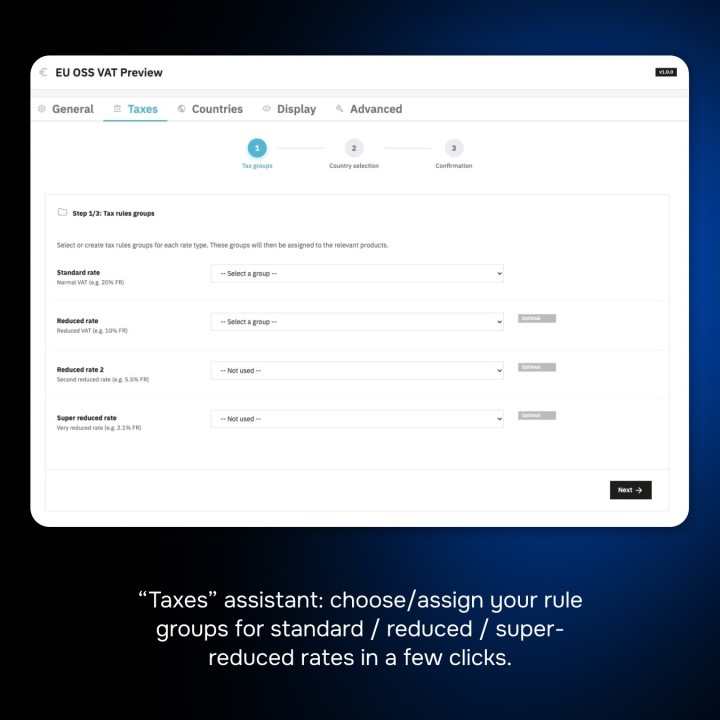
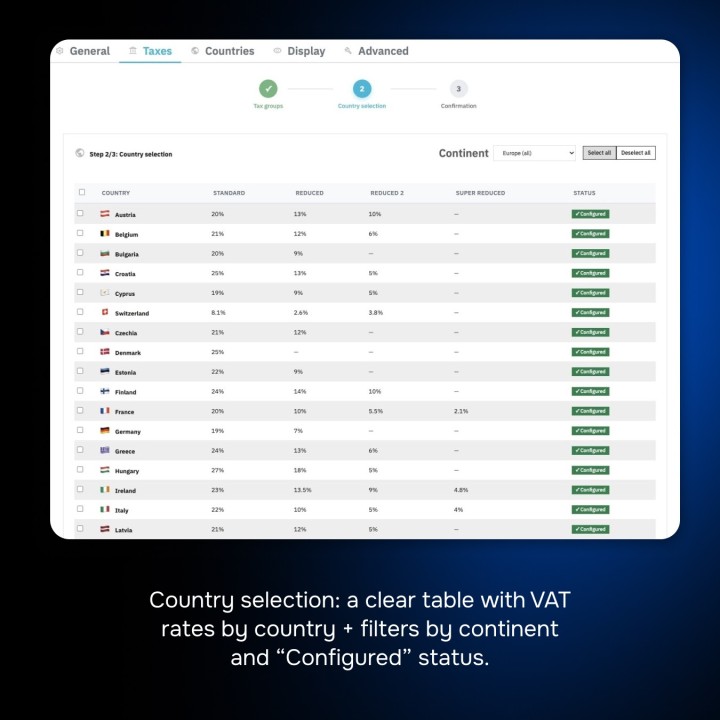
Since July 2021, the One-Stop-Shop (OSS) scheme allows you to declare your European sales in a single location. Our module helps you manage European VAT: it dynamically calculates and displays VAT-inclusive prices based on the visitor’s country. Save hours of configuration with a three-step wizard for standard, reduced and super-reduced rates. Preview the affected rates and tax groups before confirming; every product keeps its own tax rules group.
One of the main causes of cart abandonment is price changes during the shipping step. Eliminate friction from the very first second:
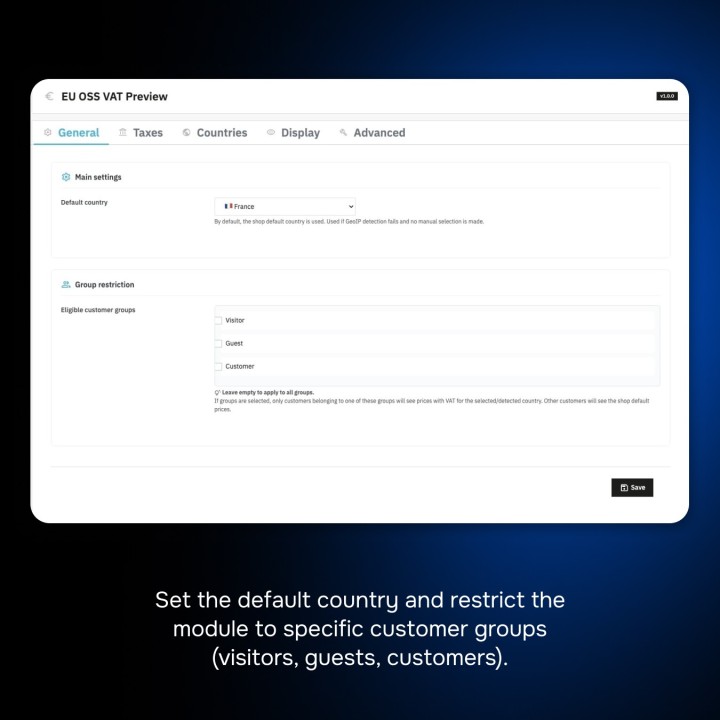
Visitors can also select their country manually. Logged-in customers can choose a saved delivery address and confirm its use. Shipping costs and taxes are then recalculated without replacing an existing invoice address. Once the cart has a valid tax address, that address becomes the reference for price calculations.
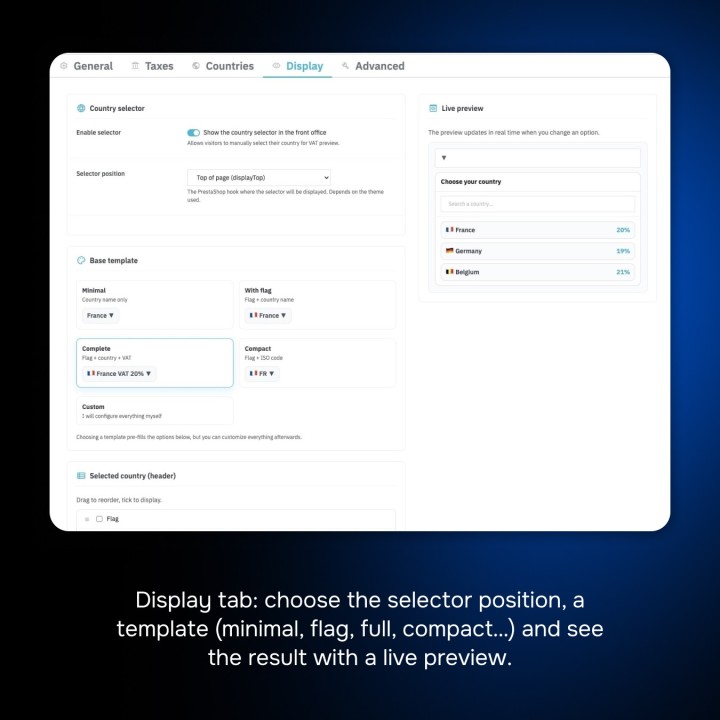
Integrate an elegant country selector that fits perfectly with your brand identity. With 5 included templates (Minimal, Compact, with flags...) and a Drag & Drop visual interface, you can customize the display in real-time. Whether it's adjusting colors, borders, or position in your menu, everything is manageable from your back office.
Review your sales and credit notes by country, VAT rate and currency, including shipping, for the period you choose. The summary preserves historical amounts and rates, so changing your tax settings does not rewrite earlier sales. Preview the results, identify rows requiring review and download the CSV file to support your checks and collaboration with your accountant.
Leave nothing to chance. The module includes powerful simulation tools: test your store's display by simulating any country in one click. Monitor your GeoIP database status and check your tax configuration at a glance with the built-in diagnostic dashboard. It’s the essential tool for clean international SEO and a flawless user experience (UX) on mobile and desktop.
Detection uses a local MaxMind database. If an update fails, the previous database remains available to keep geolocation running.
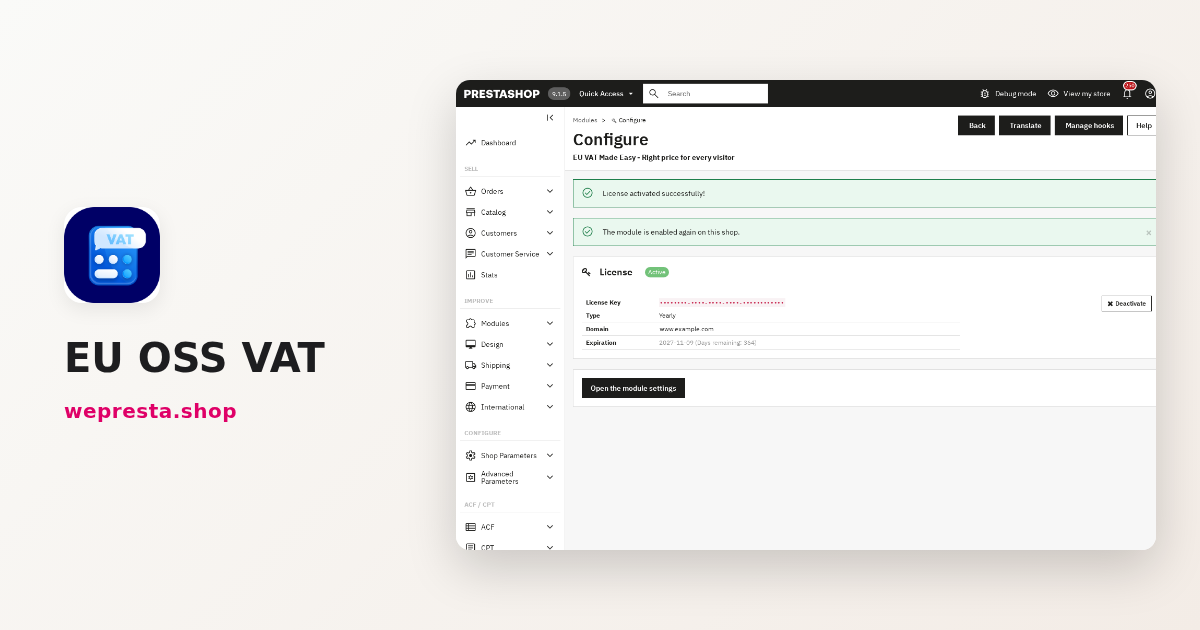
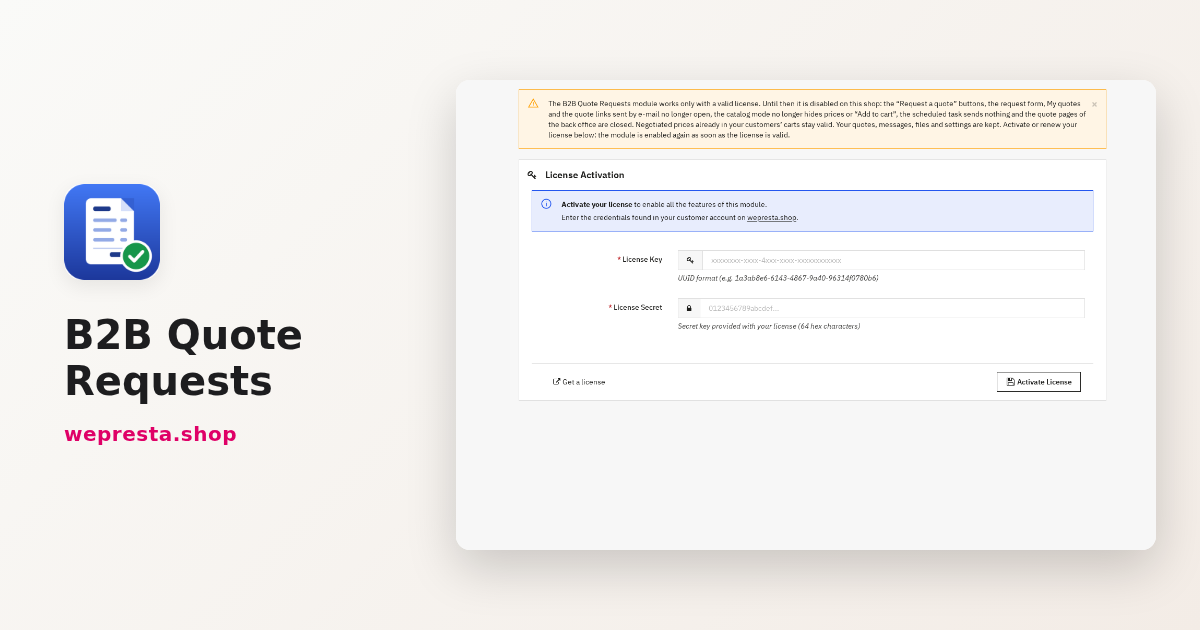
The module runs with a valid license, activated from its Configure page. Enter the License Key and License Secret from your wepresta.shop account, then click Activate License: the module enables itself again and your settings and tax rules stay in place. The license panel then shows the license type, the domain and the expiry date; the Deactivate button removes the license from this shop.
Without a valid license, the module disables itself: the country selector, the VAT message and the prices with the VAT of the visitor’s country do not appear (PrestaShop shows its usual prices) and its settings pages are closed. Your settings and the tax rules created with the module are kept. The Module Manager refuses to enable the module and points to the Configure page, which enables it again as soon as the license is valid.
A renewed subscription does not cut the shop on the old end date: the module asks the license server and stores the new date. If the license server is briefly unavailable or returns a transient license-server incident (rate limit, server error, maintenance), the license stays valid, with 7 days of tolerance counted from the first failure. The Configure page opens without waiting for the server: the check runs at most once an hour, and every 5 minutes while the license is not active.
The activation form, the license panel and the messages are available in French, English, Spanish, Italian and Polish. On PrestaShop 8, the module can disable itself without blocking the back office, which stays reachable with no HTTP 500 error.
Compatibility: PrestaShop 1.7.8, 8.0+ and 9.0+; PHP 7.4 minimum. Earlier versions are not supported. On PHP 7.1 to 7.3, the module shows a “PHP 7.4 minimum” message instead of a fatal error.
See how we compare to the most common alternatives on the market.
| Feature | WePresta | Addons |
|---|---|---|
| payments Transparent pricing | check_circle | cancel |
| update Lifetime updates included | check_circle | cancel |
| support_agent Direct developer support | check_circle | cancel |
| verified PS 1.7, 8 & 9 compatible | check_circle | help_outline |
| code Standardized clean code | check_circle | cancel |
| storefront Multi-store ready | check_circle | help_outline |
| money_off No hidden renewal fees | check_circle | cancel |
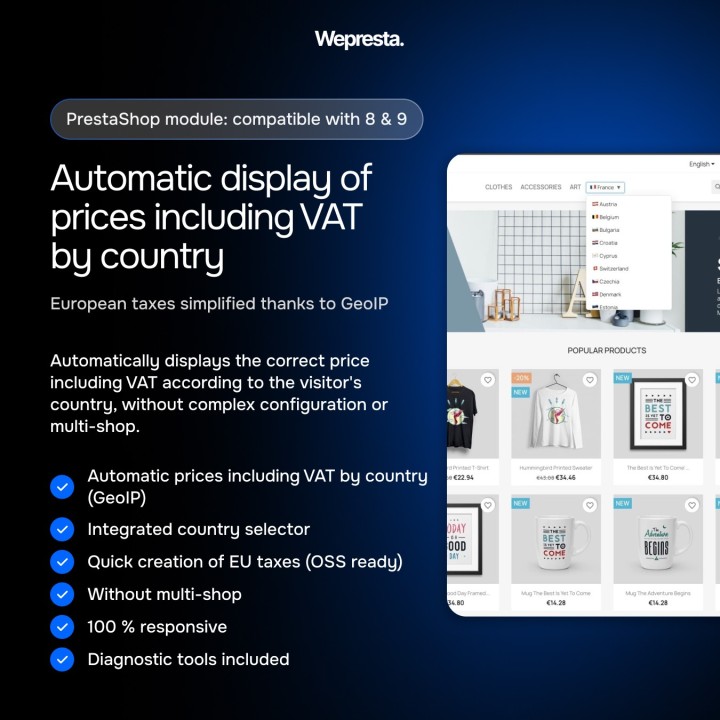
Prices including the VAT of the visitor’s country, chosen from a selector that shows each country’s rate
The chosen country applies to the whole catalog: every price includes the matching VAT
Add-to-cart window with the same VAT as the product page and the cart
Signed-in customers choose one of their delivery addresses to see their VAT
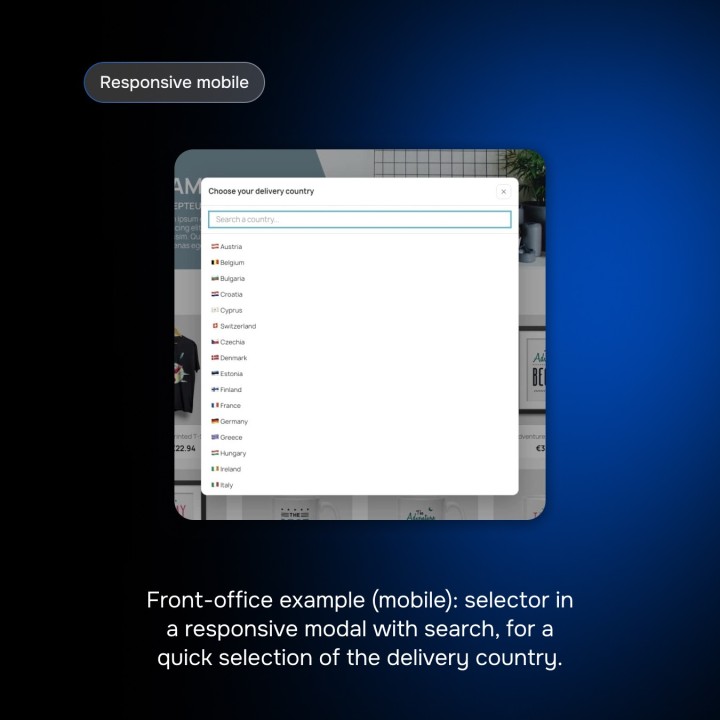
On a phone: the list of countries in full screen, with search
Tax wizard: review the rules to create or update for each country before applying them
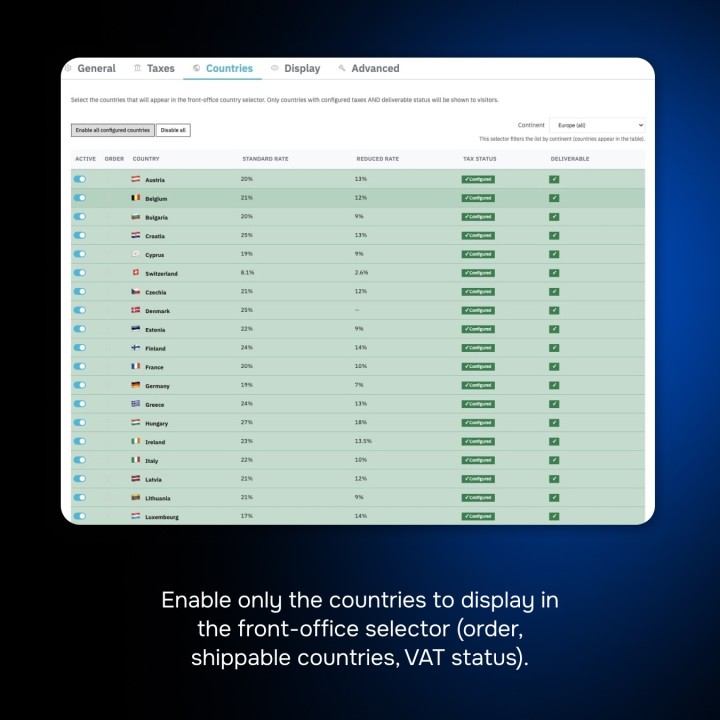
Countries table: standard and reduced rates, tax status and the countries offered to visitors
Selector display: position, ready-made templates and live preview
OSS VAT summary by country and rate, credit notes included, with CSV export
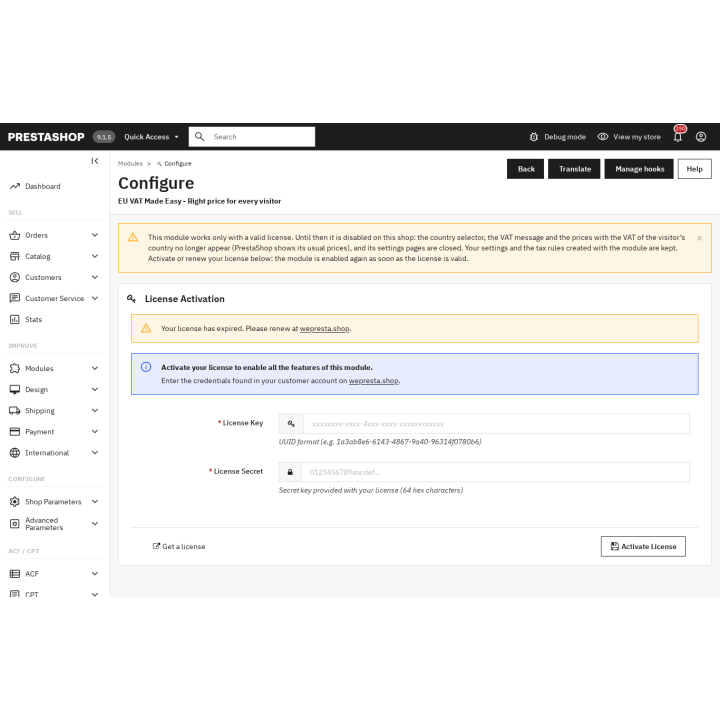
Enter the license key and secret right in the module: it reactivates itself and your settings and data stay in place.
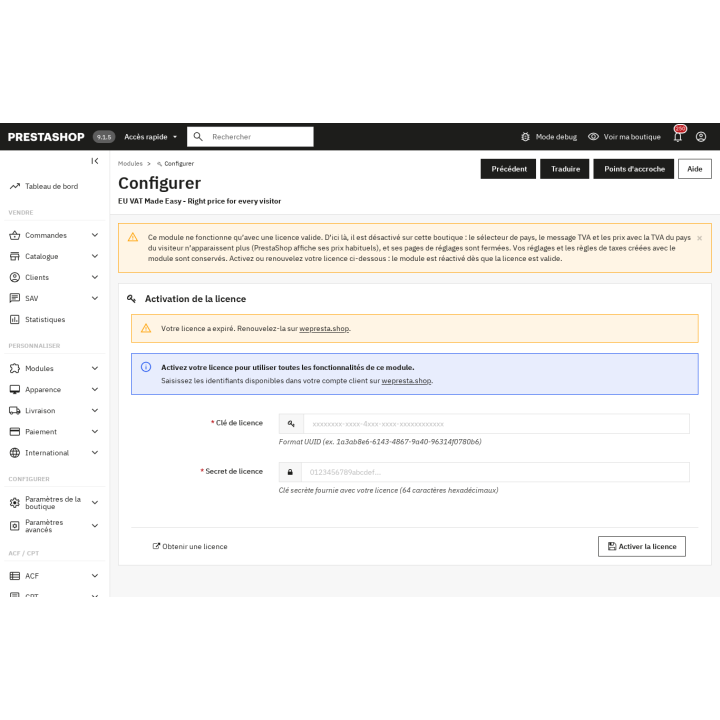
Enter the license key and secret right in the module: it reactivates itself and your settings and data stay in place.
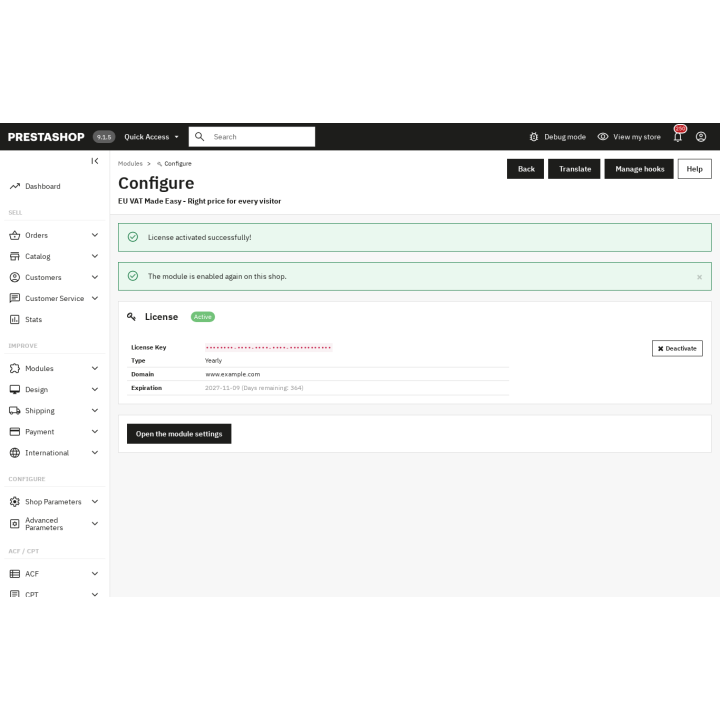
A valid license shows its type, domain and expiry, and the module settings are one click away.
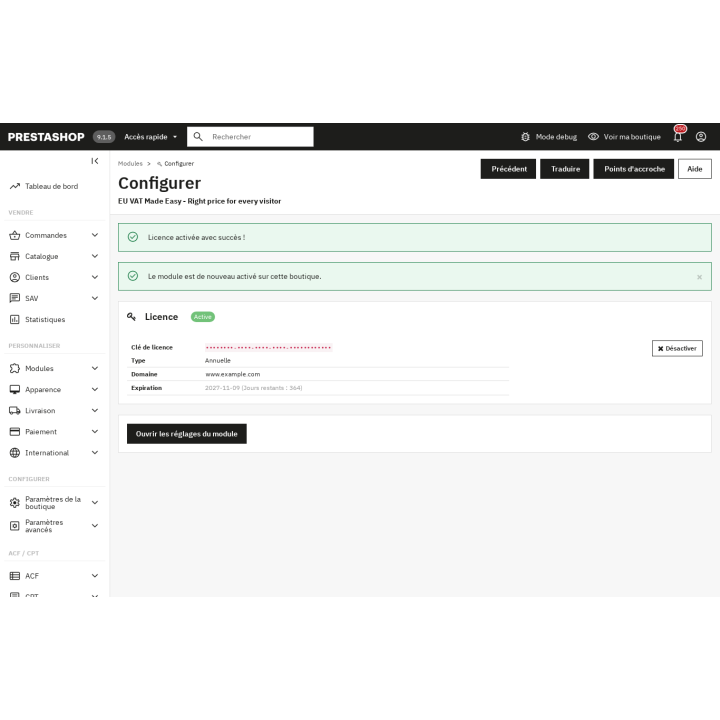
A valid license shows its type, domain and expiry, and the module settings are one click away.
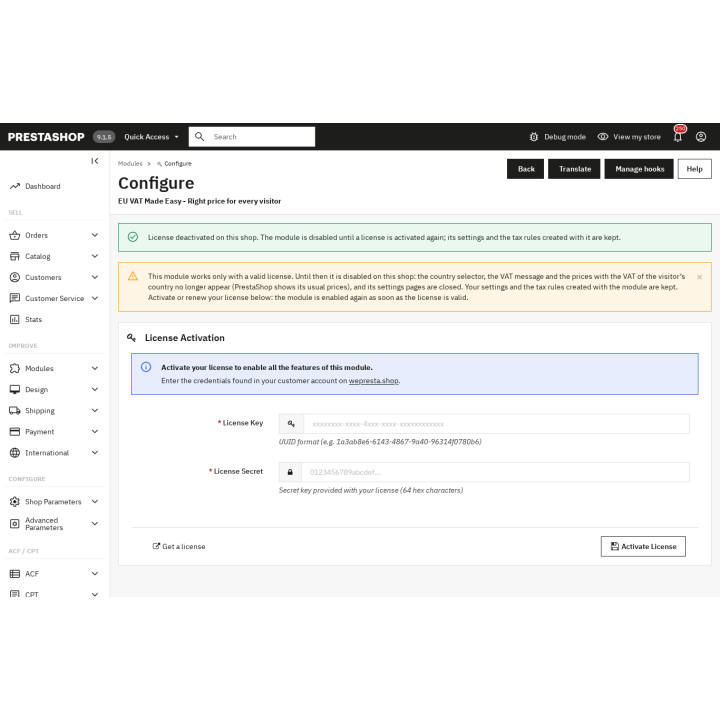
Deactivating is clean: the module stands down, keeps all its data, and the activation form comes back whenever you are ready.
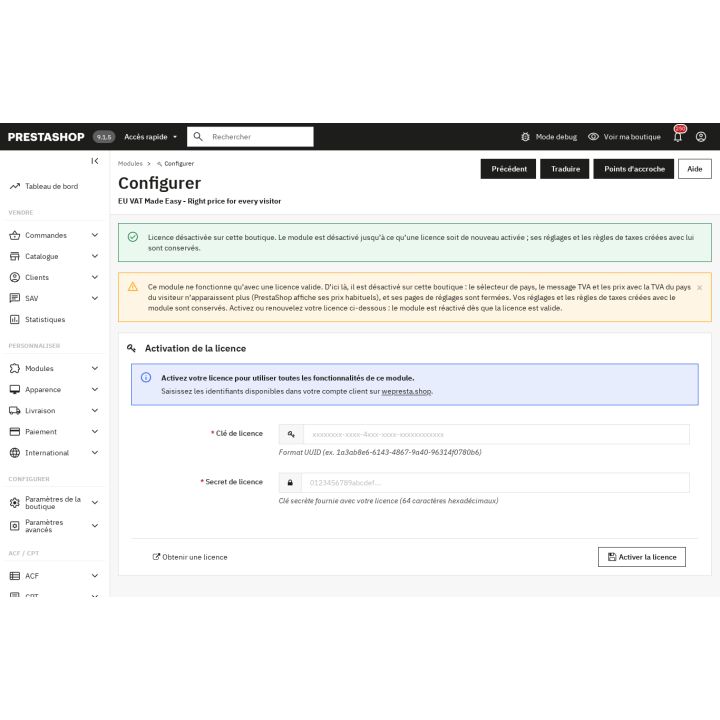
Deactivating is clean: the module stands down, keeps all its data, and the activation form comes back whenever you are ready.
Find answers to frequently asked questions about this module
Join +11 merchants using this module
5-minute installation · Full documentation included
An order leaves in three parcels, carrier labels pile up in a downloads folder and tracking numbers live in a spreadsheet. The module gathers parcels, labels, customs…
Set the EU VAT rates, show the price with the VAT of the country detected by GeoIP or picked in the selector, then export sales by rate: the full path in PrestaShop,…
The full path of a B2B quote in PrestaShop: settings, a proposal with negotiated prices, acceptance, cart and the limits of the module.
check_circle
check_circle