
Schema Pro - Complete JSON-LD Structured Data & Rich Snippets - Module PrestaShop
Schema Pro: JSON-LD structured data for PrestaShop
Help search engines understand your products, variants and store with configurable Schema.org structured data. Schema Pro brings product information, business identity, navigation, shipping and returns together, with tools to inspect the generated data and find catalog gaps. Compatible with PrestaShop 1.7.8, 8.2+ and 9.1+.
Everything you need, nothing you don't.
What Schema Pro does
Help search engines understand your products, variants and store with configurable Schema.org structured data. Schema Pro brings product information, business identity, navigation, shipping and returns together, with tools to inspect the generated data and find catalog gaps.
ProductGroup: describe your variants
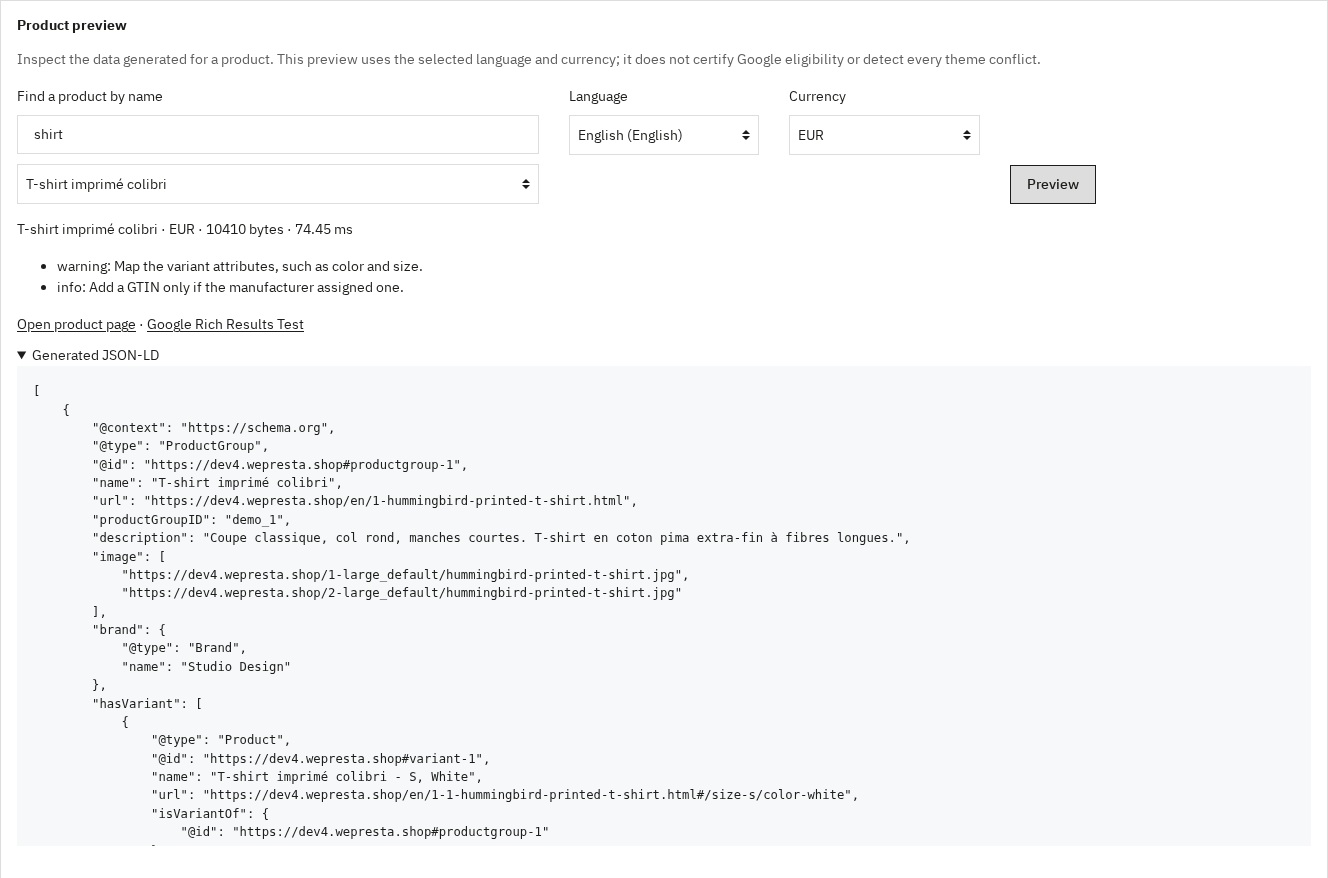
Group combinations with hasVariant, variesBy and productGroupID. For example, a T-shirt’s color and size variants can carry their own reference, price, availability and image.
Product: identify each offer
Publish names, descriptions, images, SKU, brand, available identifiers, condition, price, currency and availability. Prices reflect the visitor’s context; hidden prices do not produce an offer.
FAQPage: multilingual questions
Associate translated questions and answers with a product, category, CMS page or exact custom URL. Search by page name, order entries and activate them individually.
Catalog diagnostics and CSV
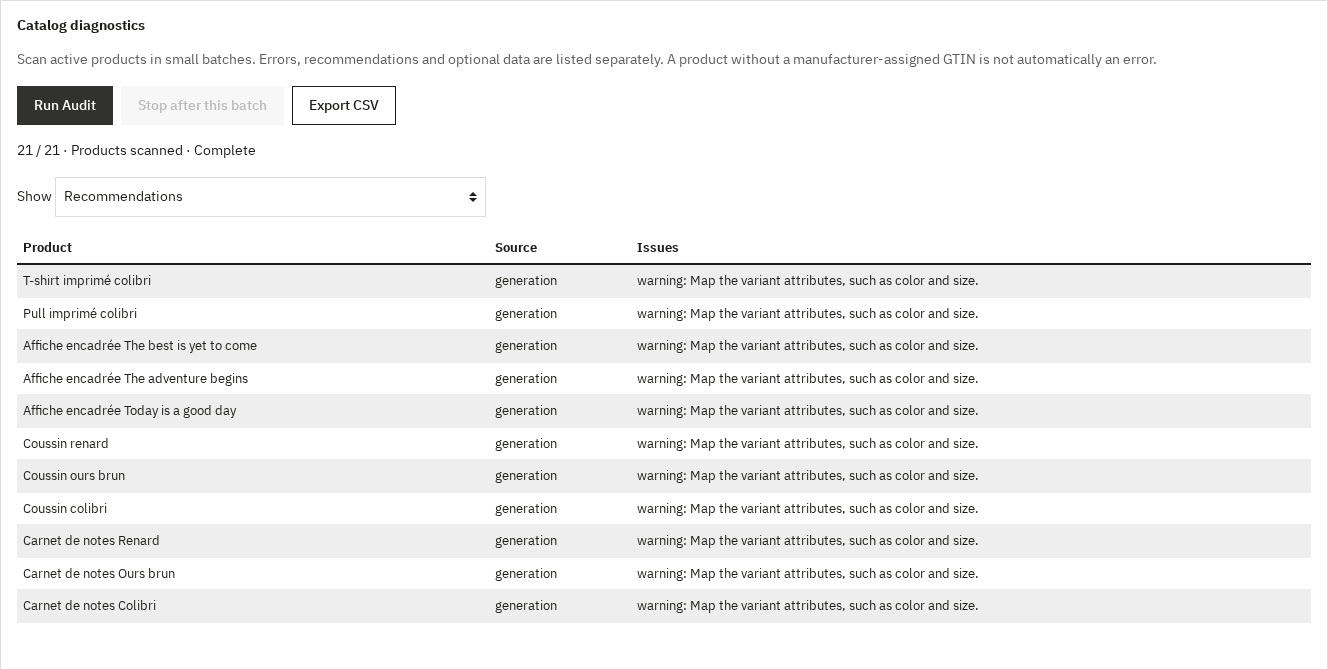
The catalog diagnostic processes active products in small batches and separates errors, recommendations and optional information. Export the findings to CSV to organize corrections.
Performance and theme integration
Reusable data and static pages can be cached for up to one minute. Product prices and stock are calculated live; relevant edits and the Flush Cache button invalidate cached data.
They use it every day.
description Full description expand_more
Why use structured data?
A product can have several sizes, prices and stock states. Describing these accurately is more useful than adding the same generic markup everywhere. Schema Pro uses the store’s actual data and lets you choose which types to publish on the relevant pages. Rich results remain subject to Google’s policies and decisions; no ranking, stars or traffic increase is guaranteed.
What Schema Pro does
Product: identify each offer
Publish names, descriptions, images, SKU, brand, available identifiers, condition, price, currency and availability. Prices reflect the visitor’s context; hidden prices do not produce an offer. GTINs are checked before output. Only add identifiers actually assigned by the manufacturer. Ratings use qualifying approved reviews from the configured source; they are omitted when none exist.
ProductGroup: describe your variants
Group combinations with hasVariant, variesBy and productGroupID. For example, a T-shirt’s color and size variants can carry their own reference, price, availability and image. Map your attribute groups to color, size, material, pattern or gender. A configurable limit bounds output size, with selected and default combinations included first.
Organization and LocalBusiness
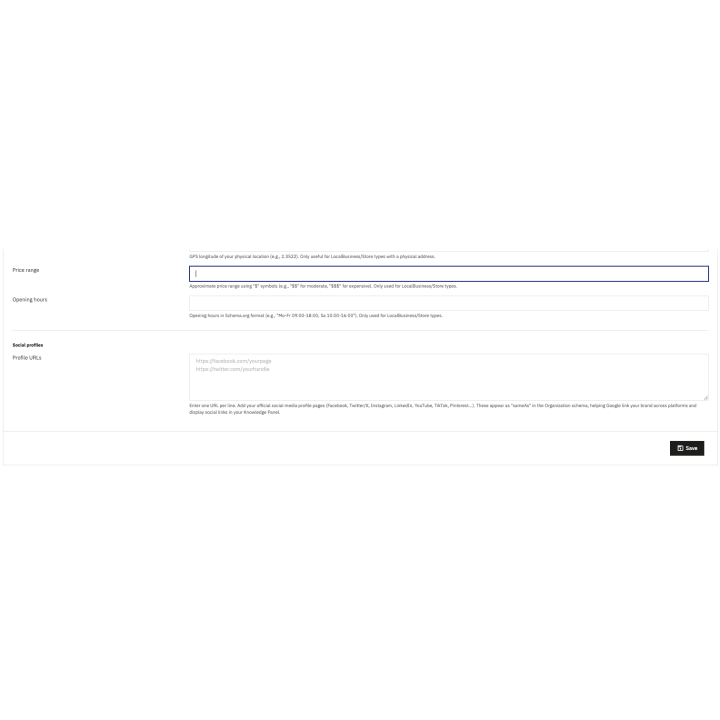
Describe your business through its name, legal name, logo, address, contact details, VAT number and official social profiles. LocalBusiness types also support opening hours, coordinates and price range. Supply factual information; these fields do not guarantee a Google Knowledge Panel.
WebSite and BreadcrumbList
Describe your website and internal search, and publish the navigation trail on applicable pages. WebSite and SearchAction remain descriptive markup; Google no longer displays the sitelinks search box. Breadcrumbs follow the navigation supplied by PrestaShop.
FAQPage: multilingual questions
Associate translated questions and answers with a product, category, CMS page or exact custom URL. Search by page name, order entries and activate them individually. The questions must already be visible on the associated page: this module publishes structured data, not a storefront FAQ block. Google no longer displays FAQ rich results.
CollectionPage and ItemList
Describe category pages and the product URLs in the current listing. Pagination is respected: the data describes the products on the current page, not an invented list of the entire catalog.
OfferShippingDetails
Specify a destination country, currency, shipping cost, handling time and transit range. A blank cost is not interpreted as free shipping; enter zero only when that is your real policy. This common rule must apply to the products concerned. It does not calculate carrier prices or customer-specific delivery costs.
MerchantReturnPolicy
Configure returns independently of shipping: country, permitted return period, finite or unlimited window, or returns not accepted, shipping fees paid by the merchant or buyer, return method and policy URL. The values must match your published terms; the module does not determine your legal obligations.
Check the data before publishing
Find a product by name, choose the language and currency, and inspect its generated JSON-LD. Open the public page or Google Rich Results Test for further checks. The catalog diagnostic processes active products in small batches and separates errors, recommendations and optional information. Export the findings to CSV to organize corrections. An absent manufacturer-assigned GTIN is not automatically an error. This diagnostic is not a Google certification or a complete theme-conflict detector.
Configuration in five tabs
- General: select the schema types, native markup replacement and cache. Save this section independently.
- Organization: enter the factual identity of the store and its public contact information.
- Products: configure variants and attribute mapping, review source, real promotion expiry, shipping and return rules. Keep auto for the actual promotion end date when available; do not invent an expiry date.
- FAQ: select a page, enter complete question/answer translations, then order and activate the entries. Editing one language preserves the others.
- Audit: preview a named product, run the active-catalog diagnostic, filter findings and export CSV.
Performance and theme integration
Reusable data and static pages can be cached for up to one minute. Product prices and stock are calculated live; relevant edits and the Flush Cache button invalidate cached data. Variant image and stock reads are grouped to reduce repeated database work. Actual cost depends on the catalog and configuration; no universal response time is promised. The module adds JSON-LD without storefront CSS or JavaScript. It can replace recognized native JSON-LD templates while preserving unknown third-party markup, so check the final page for duplicates after installation.
Compatibility
PrestaShop 1.7.8, 8.2+ and 9.1+ (8.0, 8.1 and 9.0 not supported); PHP 7.4 minimum, using a PHP version supported by your PrestaShop installation. The back office is available in English, French, Spanish, Italian and Polish. Product and FAQ data use the selected shop and language. In multistore, select one shop before editing. Check your theme and any other structured-data or review module together on a test shop.
Use your WePresta customer area for support. Include the PrestaShop/PHP versions, affected URL, configuration section, CSV findings and relevant logs, with private data removed. License duration, site allowance and optional support follow the offer selected on the product page.
Why choose us?
See how we compare to the most common alternatives on the market.
| Feature | WePresta | Addons |
|---|---|---|
| payments Transparent pricing | check_circle | cancel |
| update Lifetime updates included | check_circle | cancel |
| support_agent Direct developer support | check_circle | cancel |
| verified PS 1.7, 8 & 9 compatible | check_circle | help_outline |
| code Standardized clean code | check_circle | cancel |
| storefront Multi-store ready | check_circle | help_outline |
| money_off No hidden renewal fees | check_circle | cancel |
Discover the module in images.
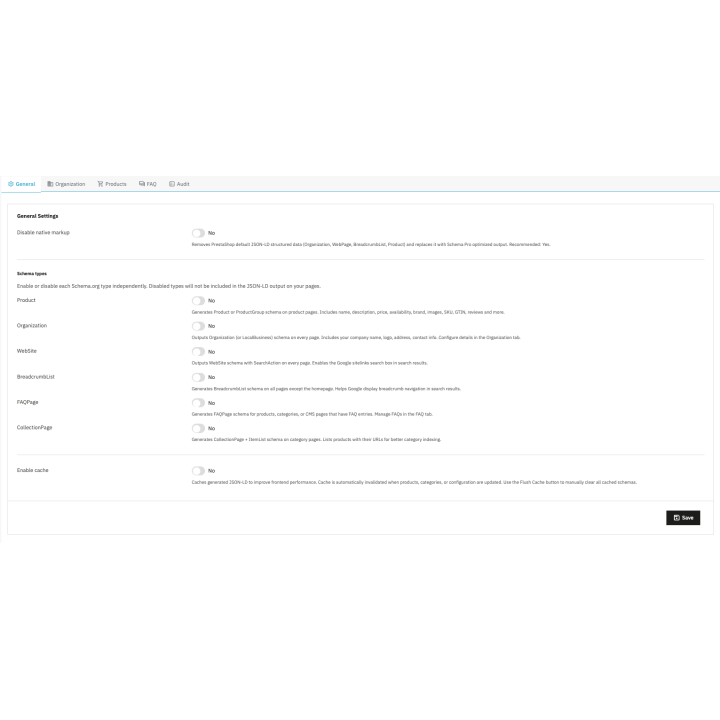
Schema types and cache
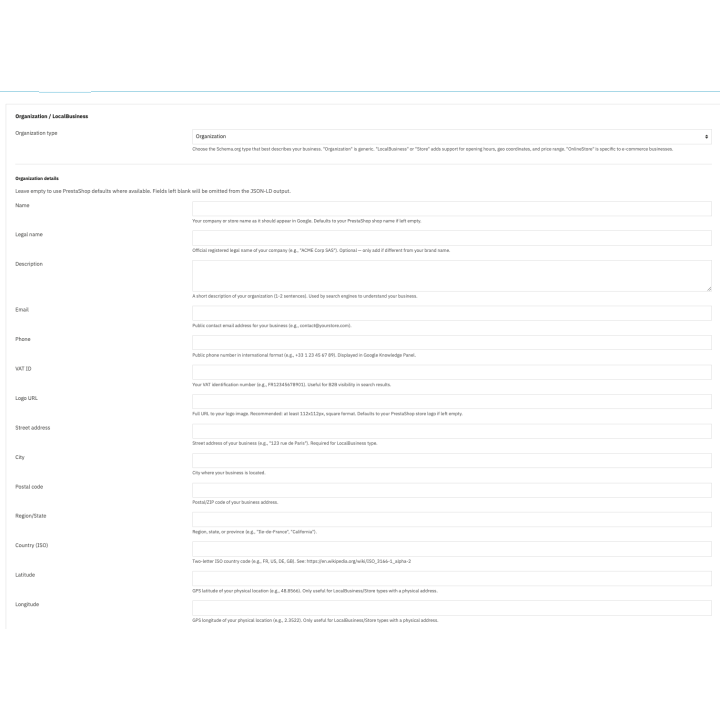
Business identity
Product preview in the selected language and currency
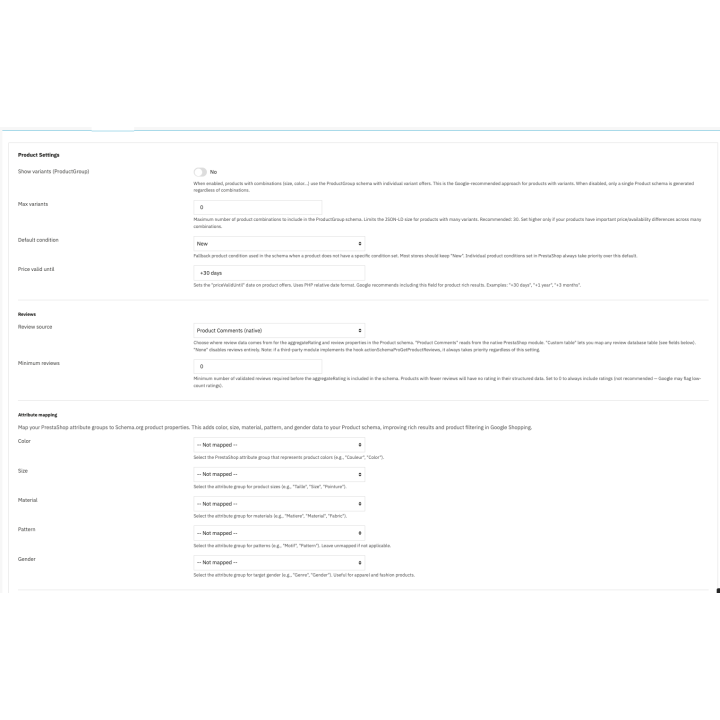
Product variants and review settings
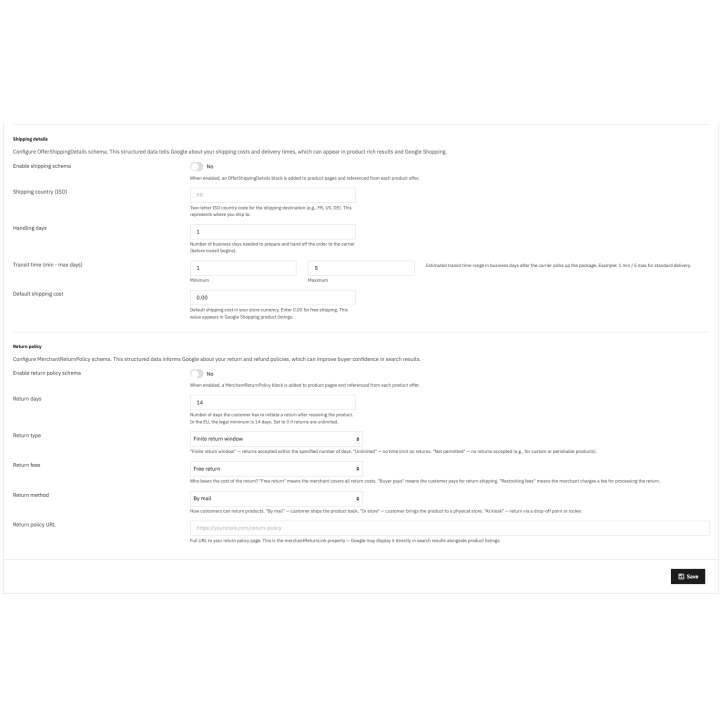
Shipping and returns
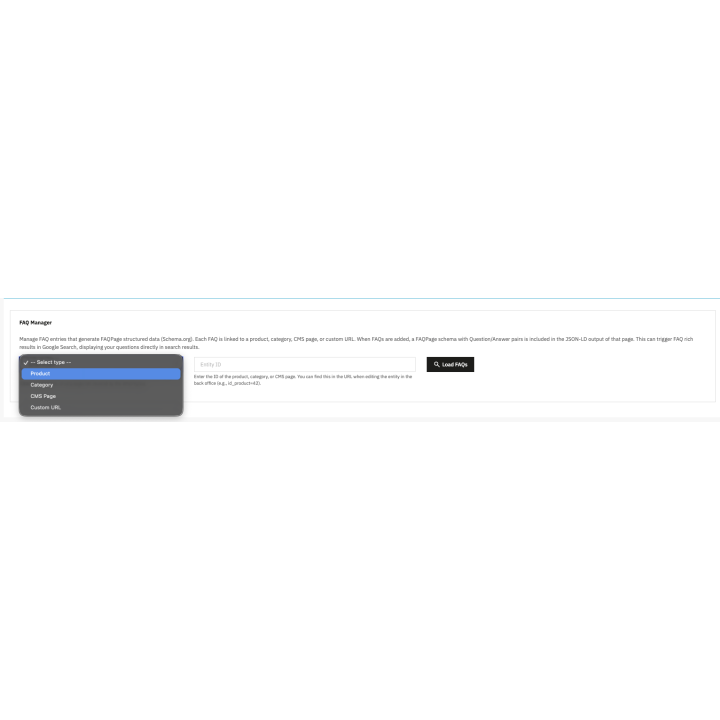
Multilingual FAQ editor
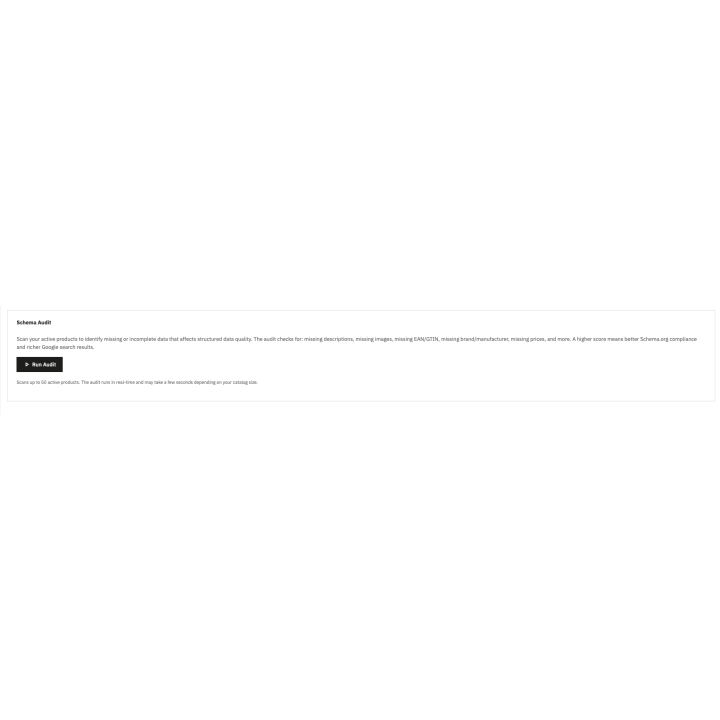
Catalog diagnostic with actionable findings and CSV export
FAQ
Find answers to frequently asked questions about this module
Join +19 merchants using this module
5-minute installation · Full documentation included