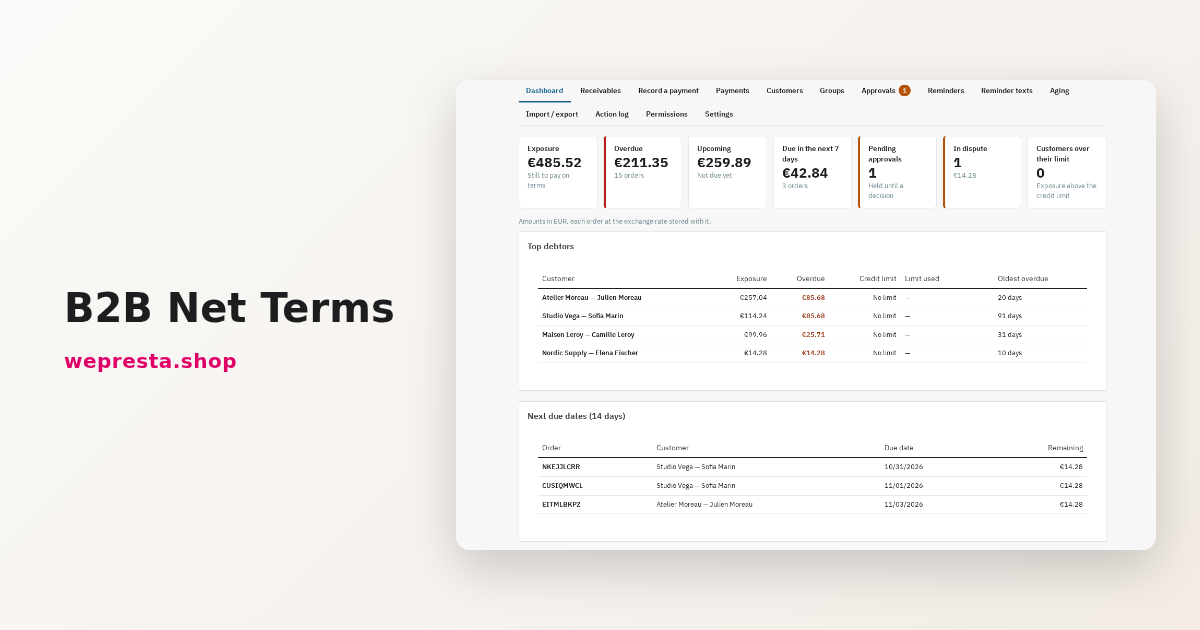
B2B payment terms in PrestaShop: net 30, credit limits, reminders
How to apply payment terms per customer, check exposure before each order, record payments on native invoices and remind customers of overdue invoices in PrestaShop.

A deposit then the balance, or instalments without fees, collected by Stripe with reminders and automatic charges.
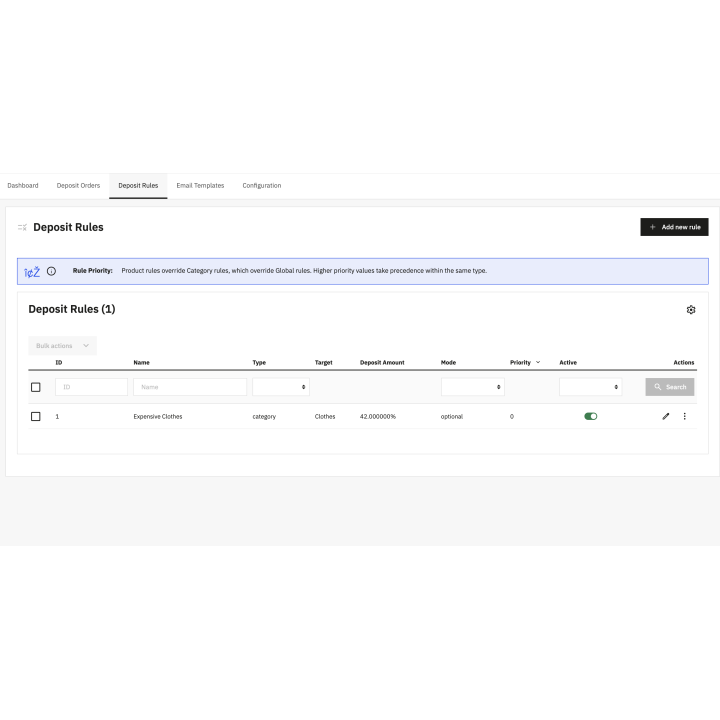
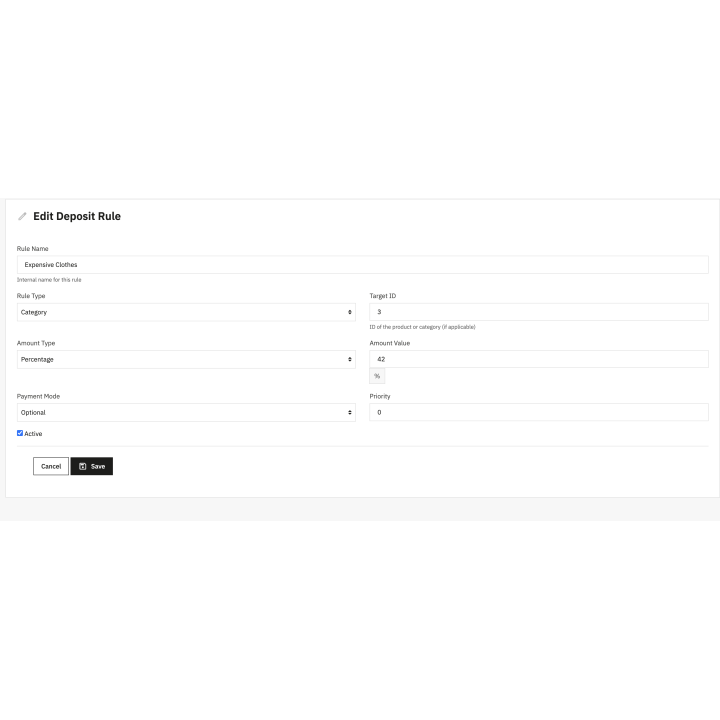
A deposit as a percentage or fixed amount, or 2 to 12 equal payments, per product, category or shop.
The balance is charged to the customer's card or SEPA mandate on the due date, or paid with a secure link.
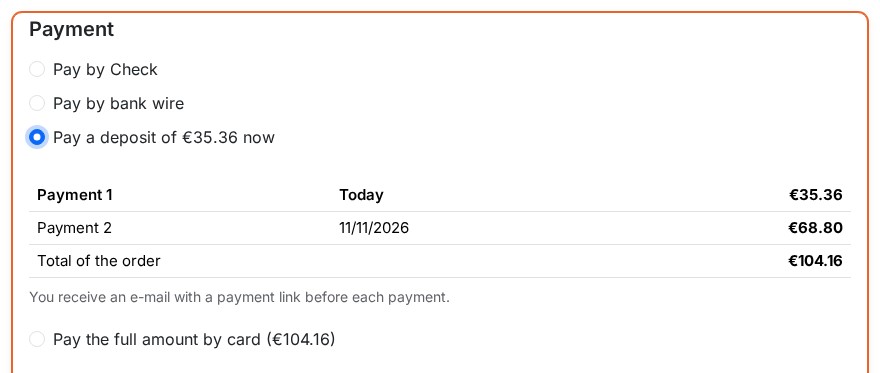
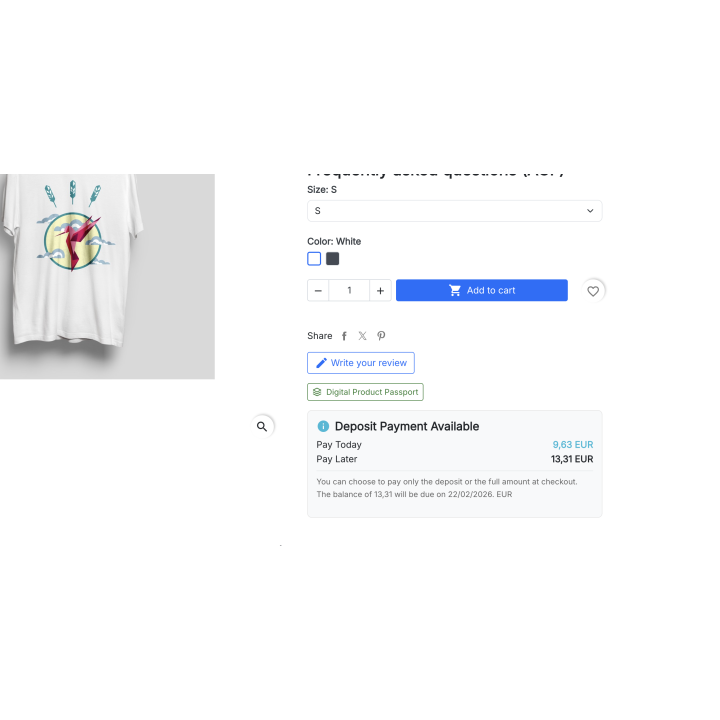
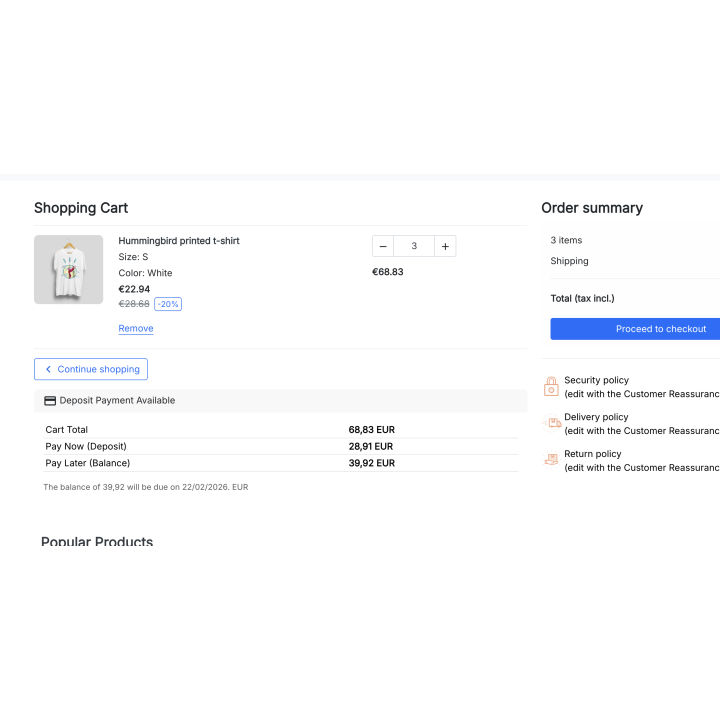
From the product page, customers see what they pay today and what they will pay later.
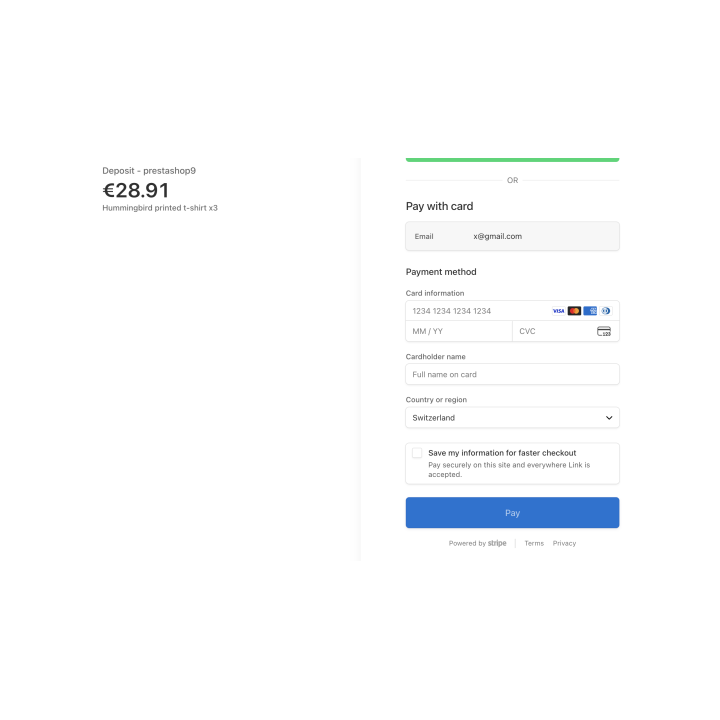
Every payment is made on Stripe's payment page: cards, Apple Pay, Google Pay, SEPA and more.
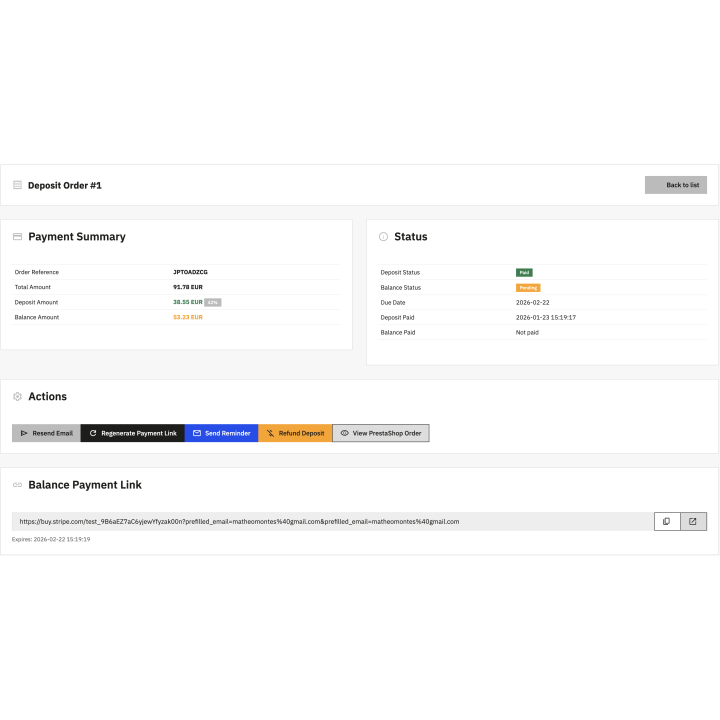
Each schedule shows its payments, actions and history, also from the order page.
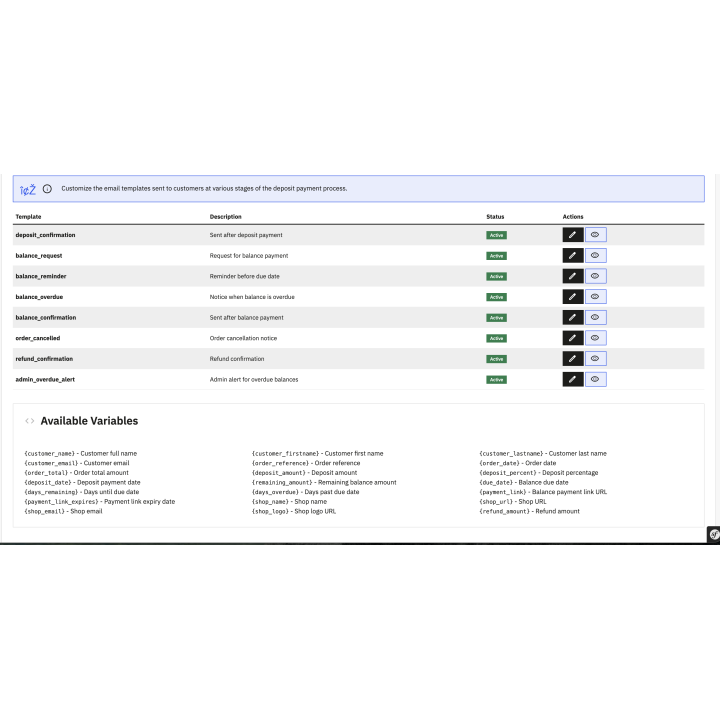
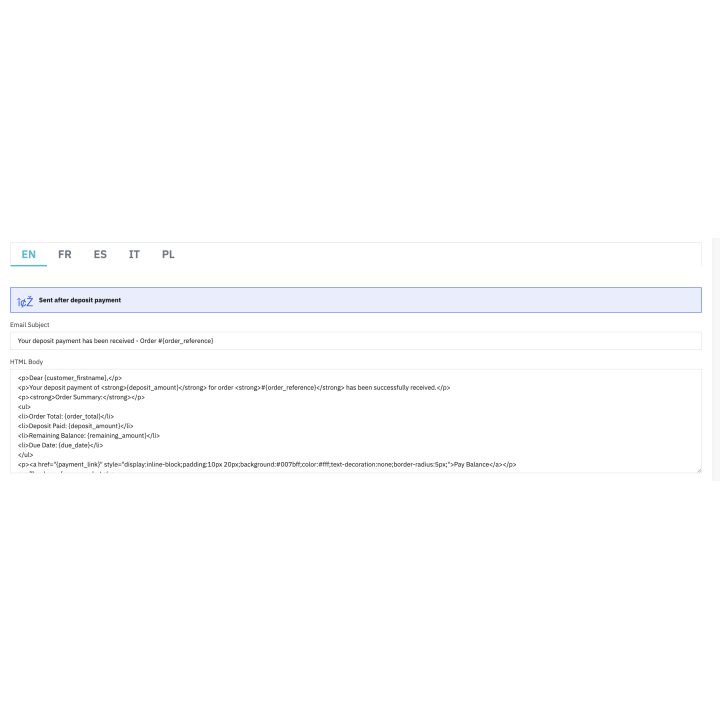
Twelve e-mails in every language: schedule, reminder, late payment, payment received, refund.
Selling high-ticket items, custom products or pre-orders can intimidate customers if they have to pay everything upfront. Stripe Deposit Payments removes this barrier: your customers pay a deposit when they order and the balance later, or pay their order in instalments without fees. You make your products more accessible while securing your cash flow and engaging your buyers from the order.
Adapt your business strategy to your catalog. Each rule offers one of two plans:
The deposit and the payments take shipping and discounts into account, and each rule form shows the example of its amounts before you save it.
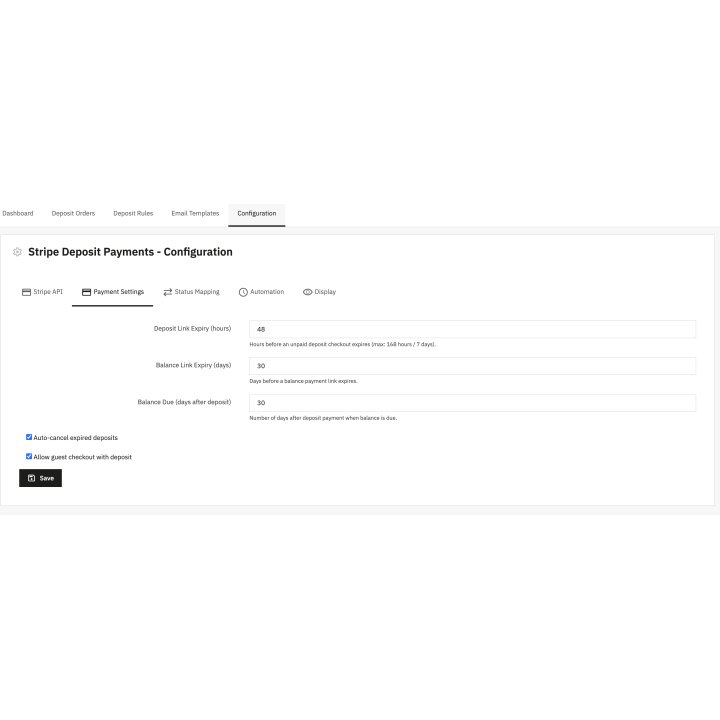
Save valuable time by eliminating manual management of bank transfers or cheques. The module relies on Stripe’s secure infrastructure for the entire payment cycle:
You reduce unpaid balances effortlessly. The payment methods offered are those switched on in your Stripe account: cards, Apple Pay, Google Pay, SEPA Direct Debit, Bancontact and more.
Clarity is the key to trust. On the product page and in the cart, your customers see what they pay today and what they will pay later, for example “Pay in 3 instalments without fees” with the dates and amounts. At the checkout, the option shows the full schedule, shipping included. This transparency helps hesitant visitors place their order, whether you sell furniture, jewelry, travel or services.
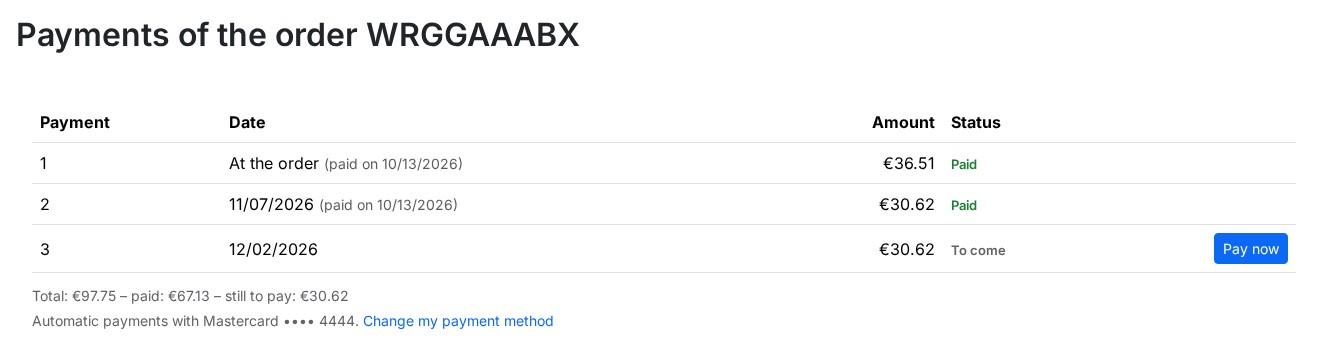
After the order, your customers find their schedule on the confirmation page, in the details of the order and in “My payments”, where they pay a payment early and change their card or account. Each step is confirmed to them by e-mail in their language.
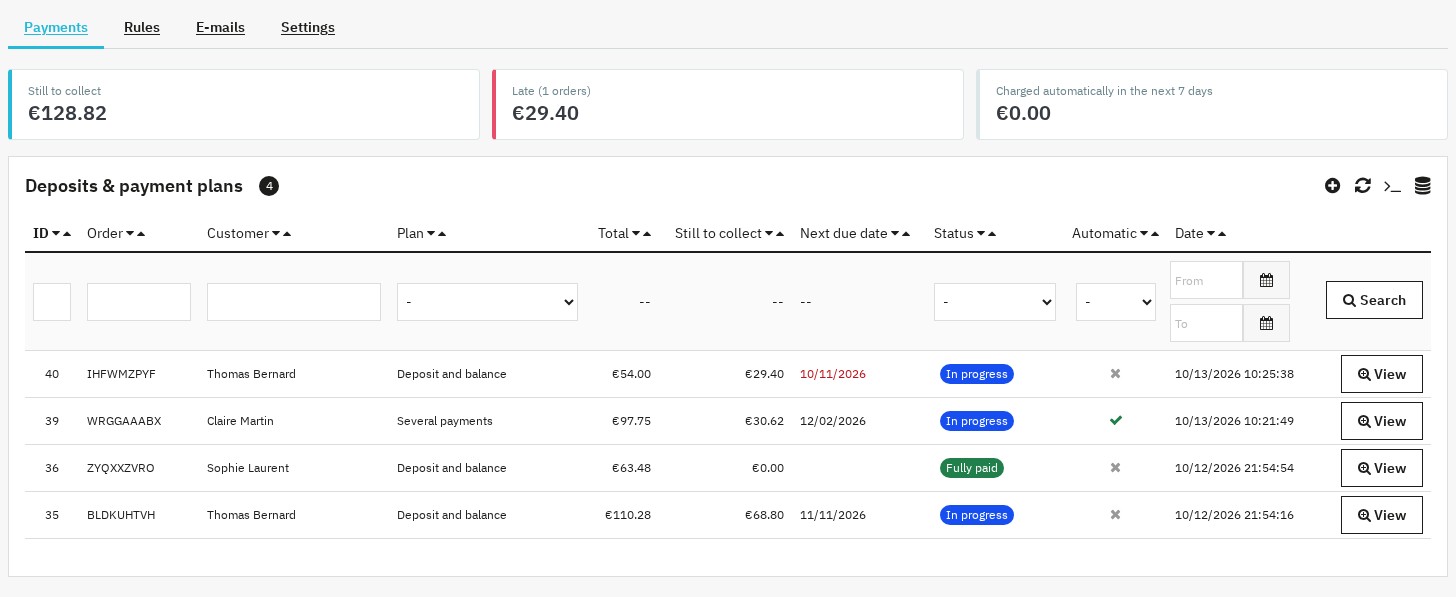
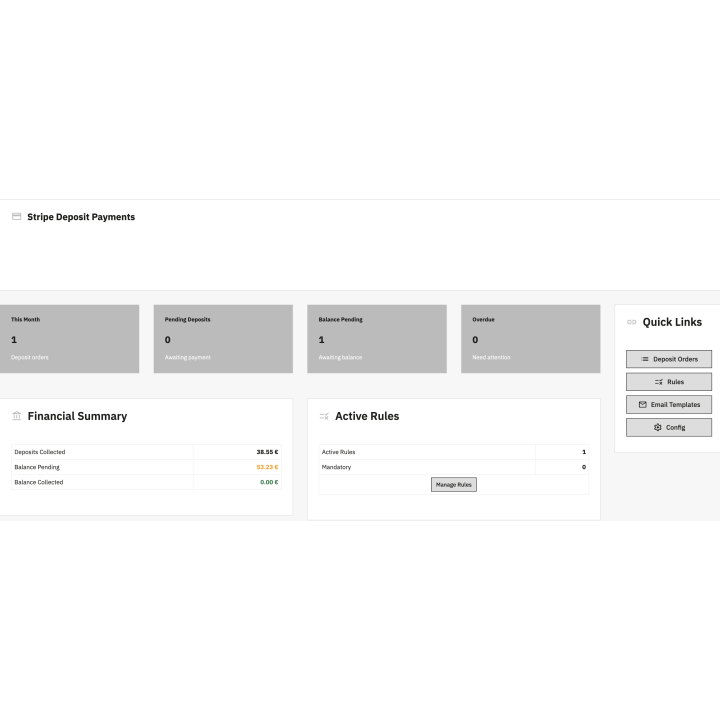
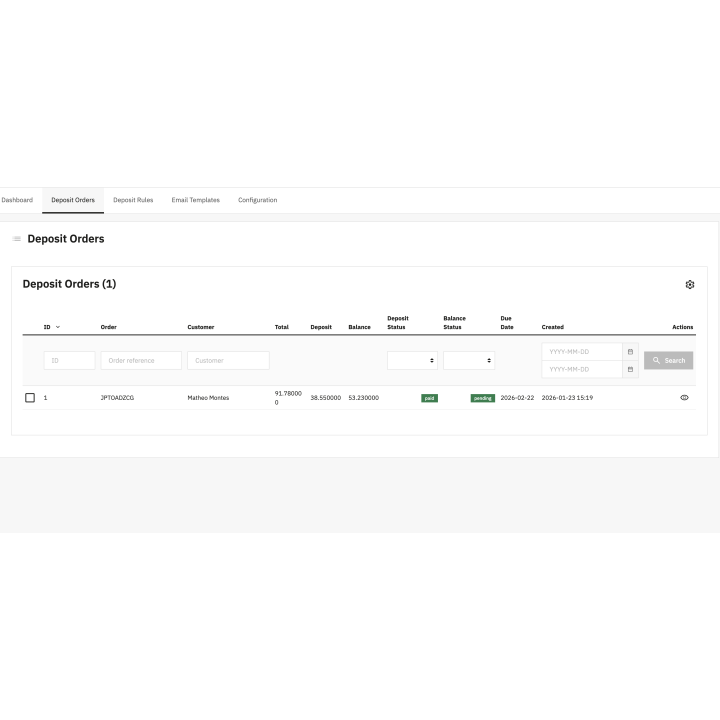
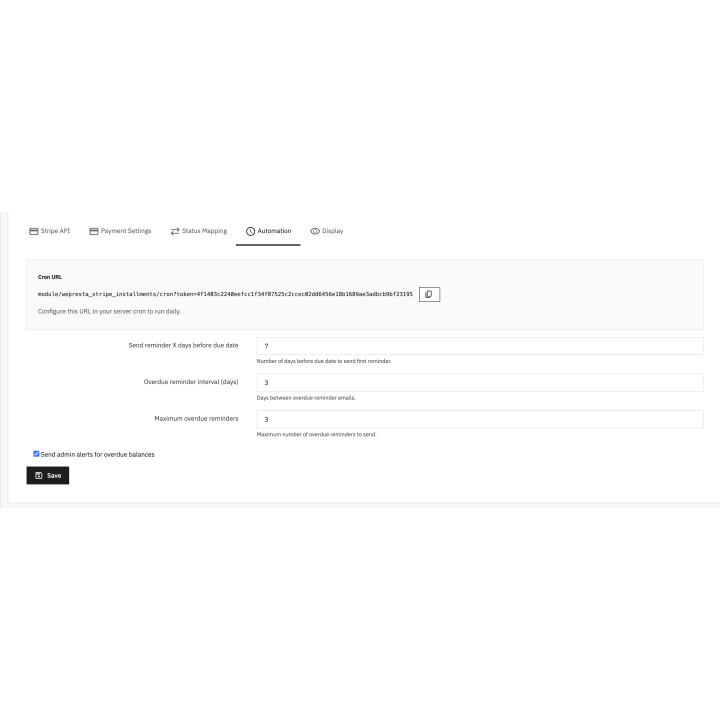
Keep an eye on your business with an integrated dashboard: amounts to collect, late payments and automatic charges of the next seven days, then the list of schedules with filters and CSV export. The module automatically synchronizes PrestaShop order states and, from a schedule or the order page, lets you:
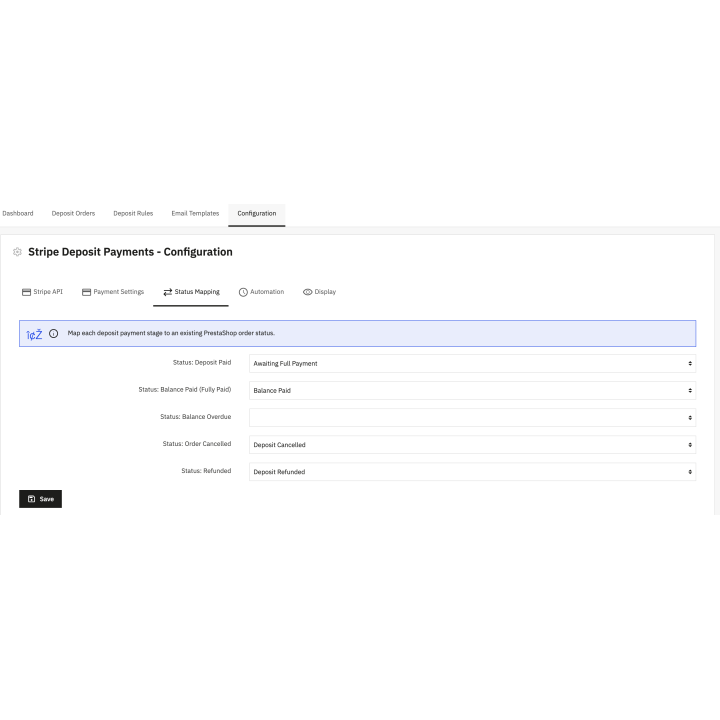
An edited order updates the remaining payments, a cancelled order stops the links, the automatic charges and the reminders, and refunds or disputes made in Stripe appear in the schedule with an alert. The “Health of the integration” panel checks the connection to Stripe, the webhook and the scheduled task.
The module works with PrestaShop 1.7.8, 8.0+ and 9.0+, with PHP 7.4 minimum, and its interface, e-mails and order states exist in French, English, Spanish, Italian and Polish. Payments are made on Stripe's payment page: no card data goes through your shop. If your license is not renewed, payments in progress, automatic charges and links continue; only new plans are no longer offered.
See how we compare to the most common alternatives on the market.
| Feature | WePresta | Addons |
|---|---|---|
| payments Transparent pricing | check_circle | cancel |
| update Lifetime updates included | check_circle | cancel |
| support_agent Direct developer support | check_circle | cancel |
| verified PS 1.7, 8 & 9 compatible | check_circle | help_outline |
| code Standardized clean code | check_circle | cancel |
| storefront Multi-store ready | check_circle | help_outline |
| money_off No hidden renewal fees | check_circle | cancel |
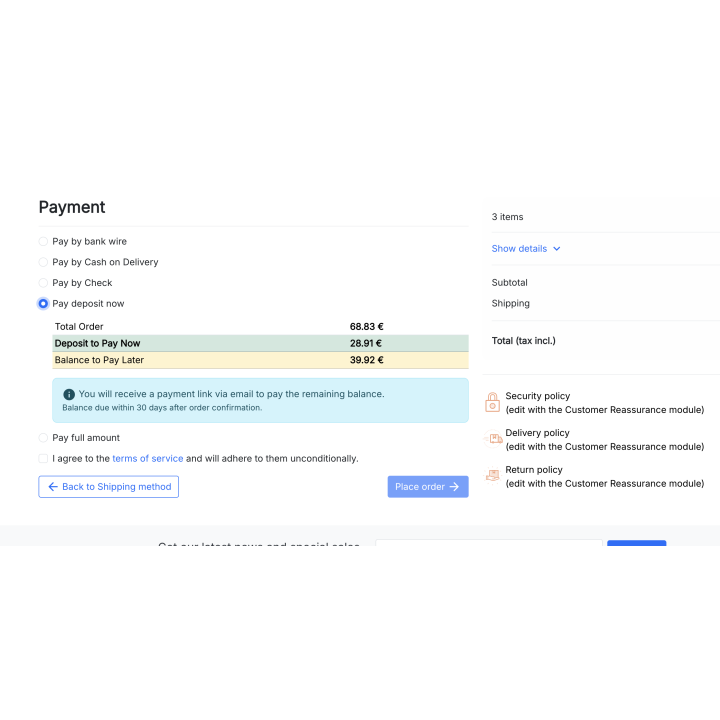
A deposit at the order and the balance later, with the schedule
Payment in instalments without fees at the checkout
The payment plan on the product page, for every visitor
The amount to pay today, shown in the cart
The schedule on the order confirmation page
The payments of an order, payable with a secure link
“My payments” in the customer account
The payment plan on a phone
Amounts to collect, late payments and upcoming automatic charges
Each schedule with its payments, actions and history
The schedule on the order page

A deposit rule with the example of its amounts
The e-mails sent at each step, in every language
An editable e-mail with its preview
The state of the Stripe integration at a glance
Find answers to frequently asked questions about this module
Join +34 merchants using this module
5-minute installation · Full documentation included
How to apply payment terms per customer, check exposure before each order, record payments on native invoices and remind customers of overdue invoices in PrestaShop.
check_circle
check_circle