
Advanced Search Pro - Ultra-fast AJAX filters & faceted navigation - Module PrestaShop
PrestaShop Faceted Navigation Module: Boost Your Conversions with Ultra-Fast AJAX Filters
Advanced Search Pro is an ultra-fast PrestaShop faceted navigation (advanced filters) module, designed to replace ps_facetedsearch. Offer your customers seamless AJAX filtering with real-time counters, filters by price, attributes, features, categories, brands, availability and discounts, plus an optimized mobile drawer. Create multiple Filter Engines based on your pages/categories, publish SEO filter pages, and speed up product discovery thanks to indexing and caching. Ideal for boosting conversion and reducing abandonment on your store. Compatible with PrestaShop 1.7.8, 8.2+ and 9.1+.
Everything you need, nothing you don't.
Ultra-fast AJAX faceted navigation to replace ps_facetedsearch.
Instant AJAX filters
Results update without page reload.
Large catalog performance
Automatically updated index and cache for thousands of products and combinations.
Customizable filters
Price, brand, color, size, availability, discounts: choose the filters to display.
Mobile and desktop responsive
Mobile filter panel that works with touch screens and the keyboard.
Real-time sorting and counters
Product count per filter refreshed on each choice, consistent sorting and pagination.
Replaces ps_facetedsearch
Imports your ps_facetedsearch templates and uses the native product list.
SEO filter pages
Indexable "White T-shirts" pages with URL, title and text in each language.
Guided search
A homepage selector that leads to the matching products.
They use it every day.
description Full description expand_more
Advanced Search Pro: Ultra-fast Faceted Navigation for PrestaShop
Advanced Search Pro is a PrestaShop module dedicated to faceted navigation (advanced filters) designed to drastically improve product search and user experience on category and listing pages. It acts as a modern replacement for ps_facetedsearch, with a more flexible, faster approach tailored to current desktop and mobile usage. The goal is simple: allow your visitors to find the right product in seconds through fluid AJAX filtering, real-time counters, and a clean interface, all while maintaining high performance on large catalogs.
Why add high-performance faceted navigation to your store?
In an e-commerce store, the ability to quickly filter by price, size, color, brand, or technical specifications is directly linked to the conversion rate. Effective faceted navigation reduces search time, limits frustration, and decreases bounce rates. With Advanced Search Pro, you transform the "I'm looking for a product" stage into an intuitive journey where every click refines results instantly without page reloads. The result: a more pleasant store, more engaging category pages, and a better return on your SEO and acquisition investments.
Instant AJAX filtering with dynamic counters
The module implements AJAX filtering that updates the displayed products without reloading the page. With each selection, product counters are recalculated and adjusted in real time. Your customers immediately see which options remain available, avoiding dead ends (filters leading to "0 products") and facilitating a progressive search. Sorting, pagination and the product count stay consistent with the filters, and a filtered URL can be shared or reopened as is. This logic improves navigation quality and contributes to a smoother purchasing journey.
Advanced filters: price, attributes, features, categories, and brands
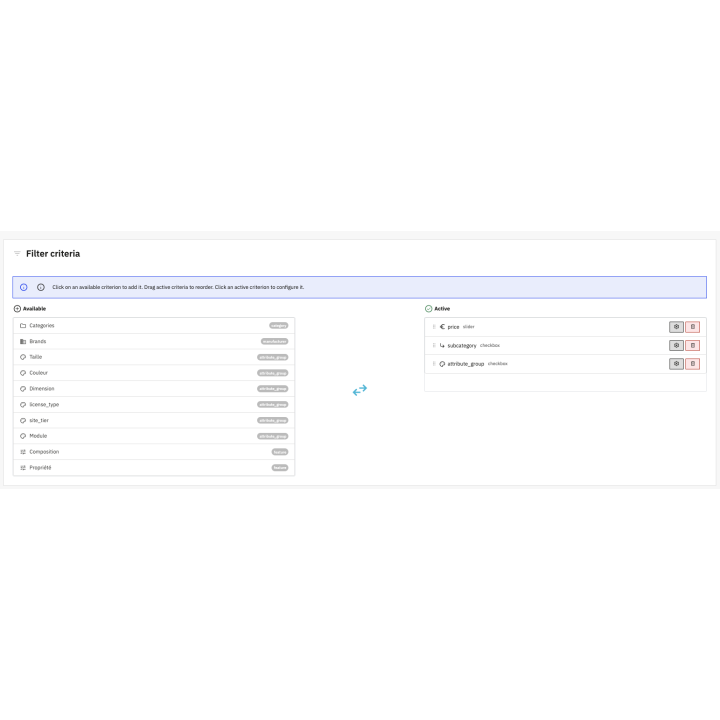
Advanced Search Pro allows you to configure relevant filters for most e-commerce catalogs. You can offer filters by:
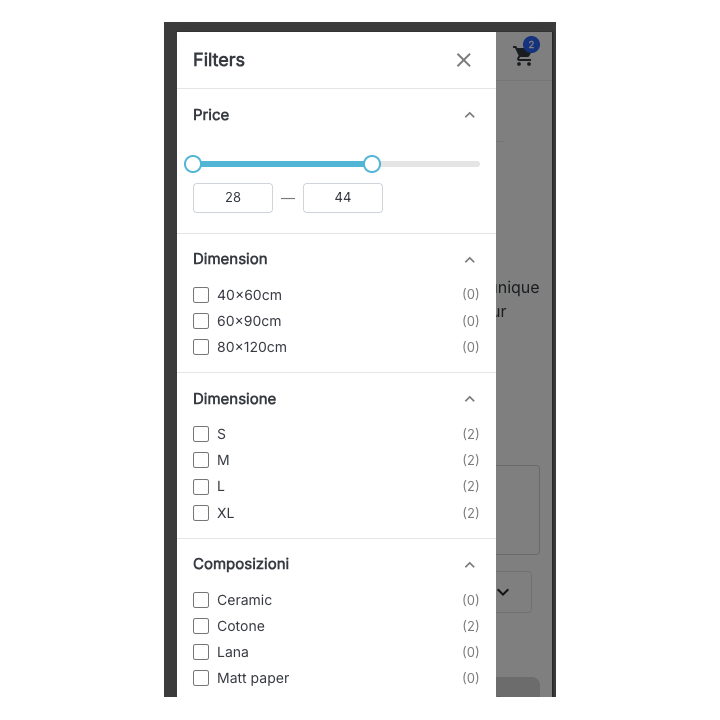
- Price: selection via slider (min/max) and numerical fields for precise control.
- Attributes: sizes, colors (swatches), materials, variants, etc., with the "in-stock combinations only" option: "Size M" only returns products whose size M is available.
- Features: dimensions, compositions, uses, technical specifications.
- Categories: subcategories of the current page that contain products.
- Brands / manufacturers: quickly filter by brand to compare ranges.
- Availability, discounts and condition: in-stock products, products on sale, new, used or refurbished.
This coverage meets the majority of e-commerce needs and creates a "catalog" experience close to the standards of major marketplaces. Each group is displayed as checkboxes, radio buttons, a drop-down list, color swatches, tags or a price slider, with a custom title in each language, a "Show more" button, a search field for long lists and the choice to hide, grey out or show values without products.
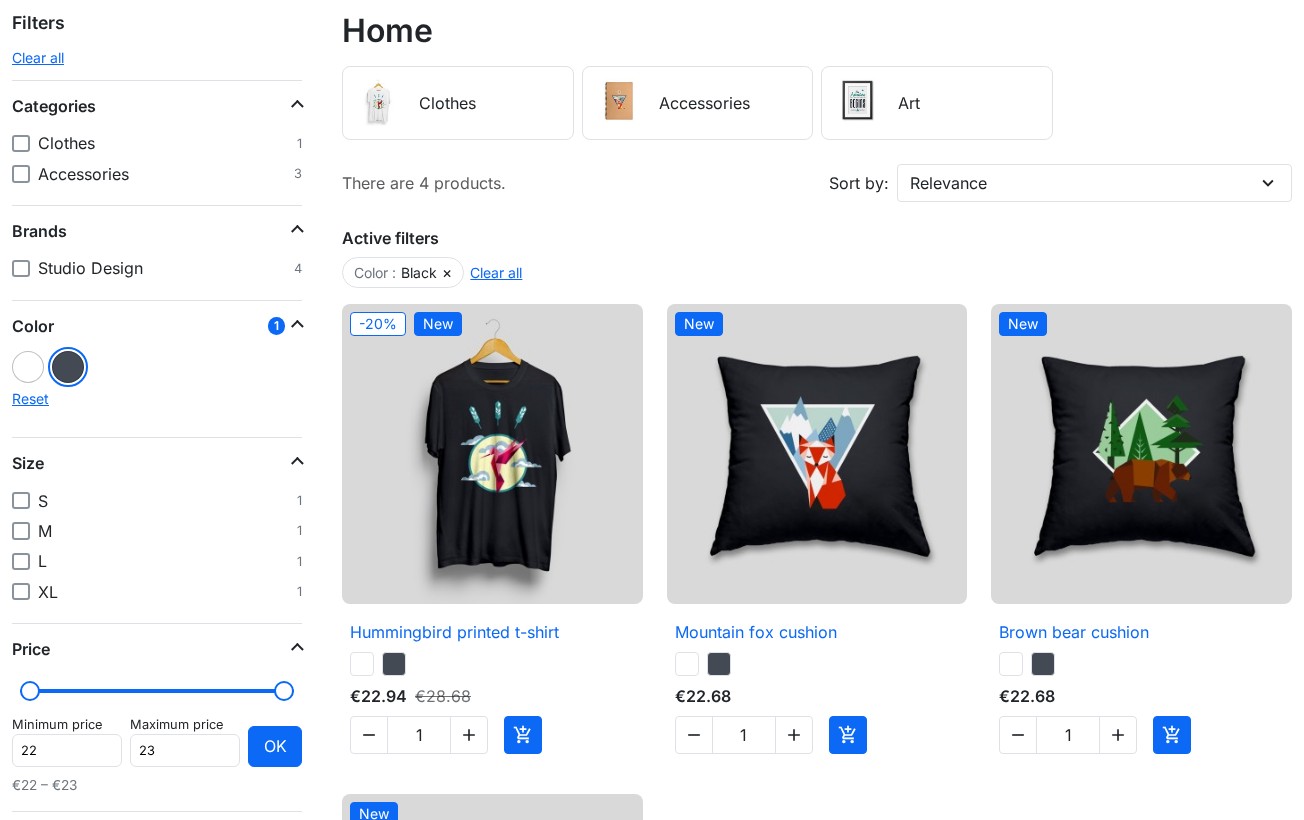
Multiple “Filter Engines” based on your pages and categories
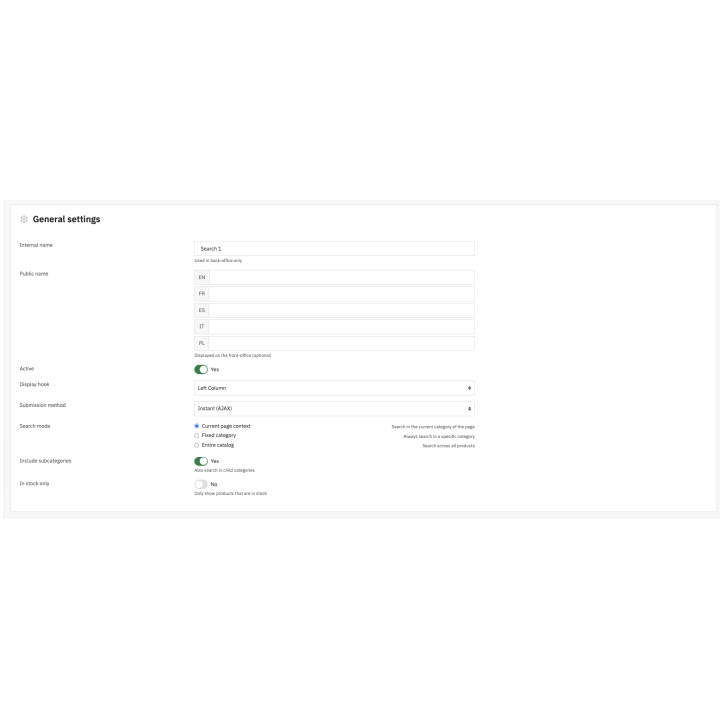
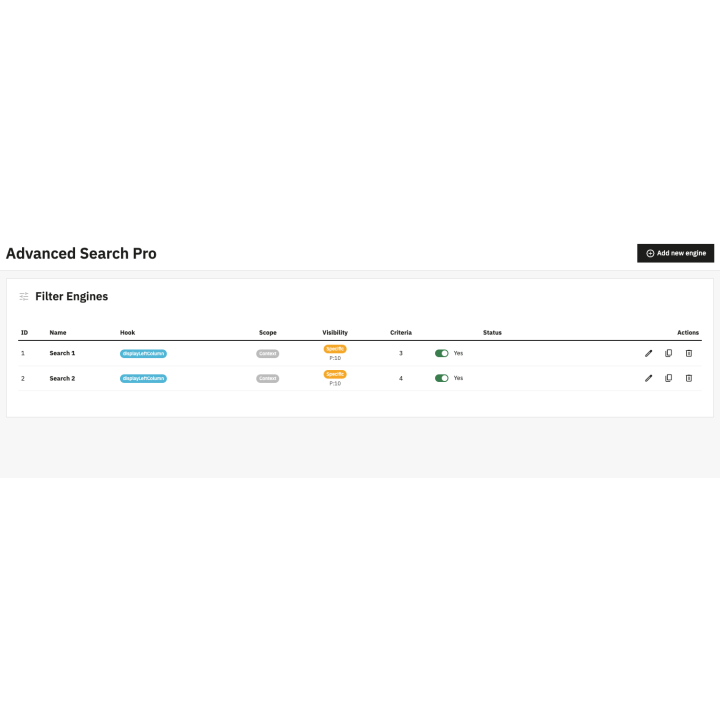
One of the module's key points is the ability to create several Filter Engines. Each engine corresponds to an independent filter block with its own configuration. Specifically, you can:
- Create a global engine (fallback) for all categories.
- Create specialized engines per product universe (e.g., clothing, electronics, accessories) with adapted criteria.
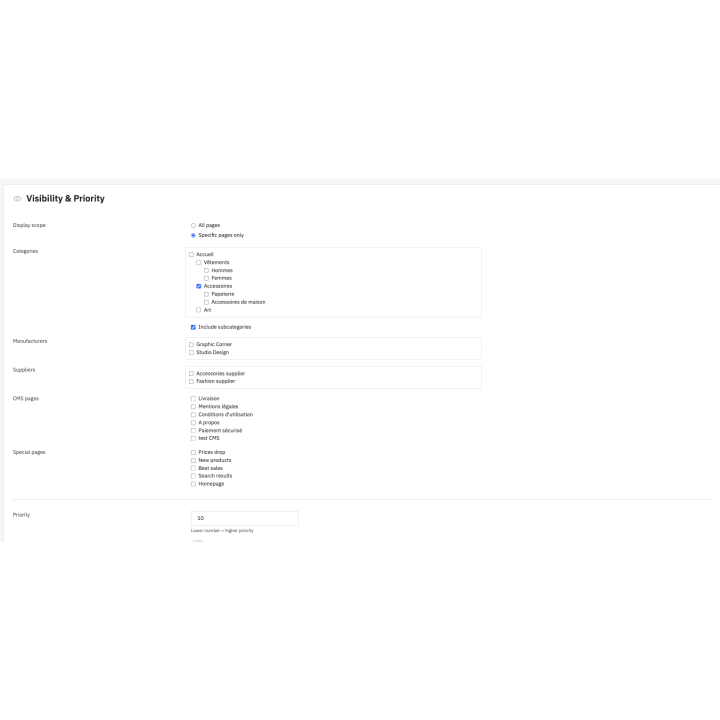
- Define a priority to control which engine displays when multiple rules are possible.
- Show the filters on every product list (categories, brands, suppliers, search, prices drop, new products, best sales) or only on the pages you choose: on each list, the filters apply to the products of that page.
This logic is ideal for structured stores: each category displays truly useful filters without cluttering the interface with irrelevant options.
Indexable SEO filter pages
Turn your most searched filter combinations into SEO pages: "White T-shirts" in the Clothes category gets its own URL, an H1 title, a title tag, a meta description and an introduction text in each language, plus a place in the sitemap. When a customer ticks the same filters on the category, the link leads to this page; other combinations stay noindex, follow so that Google only indexes your categories and your SEO pages.
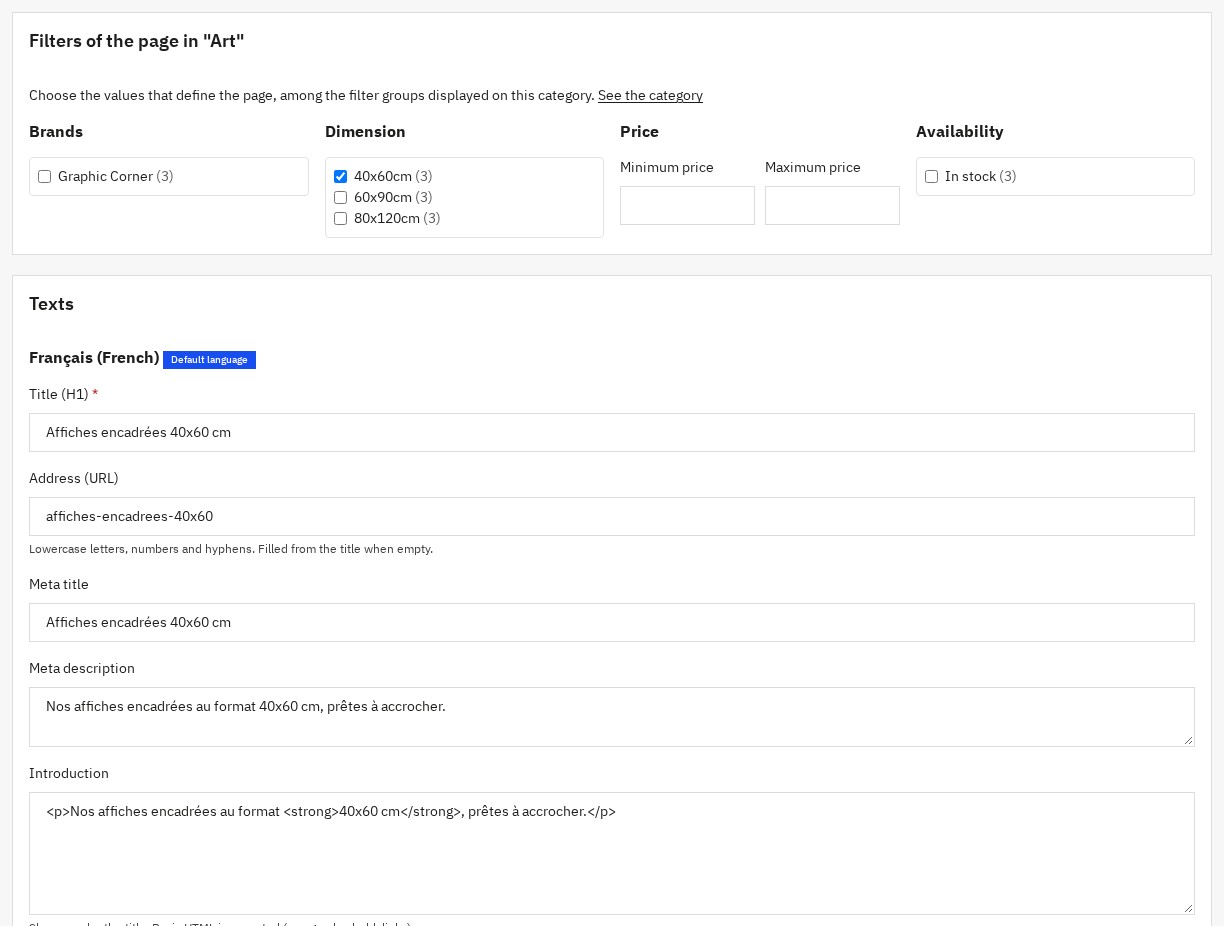
Guided search on the homepage
Placed on the homepage, an engine becomes a guided search: the customer picks a brand, then a size, sees how many products match and opens a results page where filtering continues. Ideal for spare parts, equipment or fashion catalogs.
Optimized mobile experience: drawer and "Filters" button
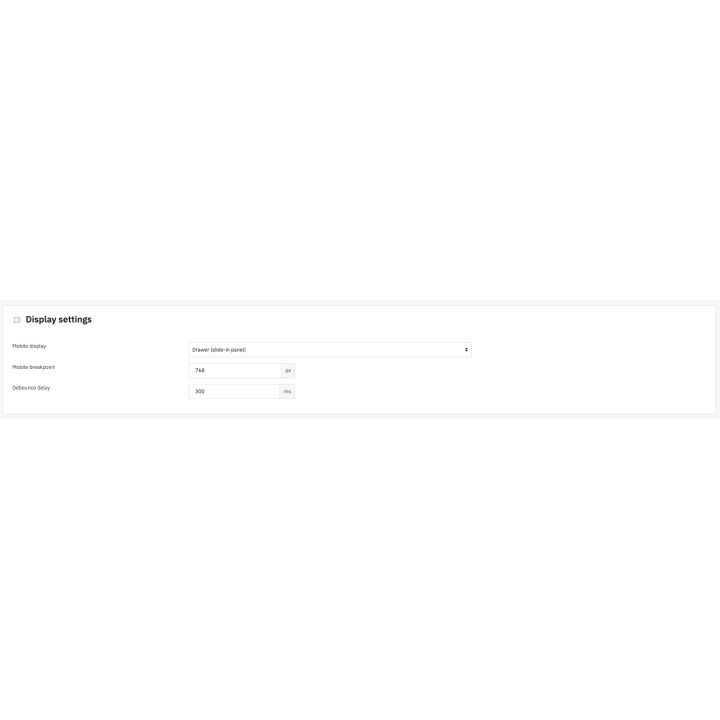
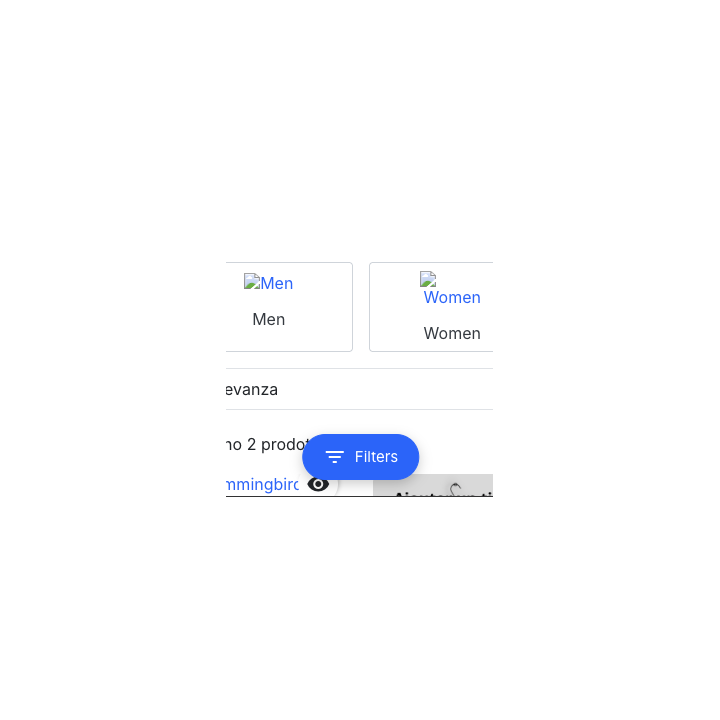
Mobile navigation is often the weak point of classic filters. Advanced Search Pro includes a dedicated UX with a mobile drawer (side panel) opened by a "Filters" button. Customers can easily open/close filters, browse options without obstructing the product listing, and return immediately to the results. This ergonomics is essential for stores that generate a significant portion of their sales on smartphones. The panel closes with the Escape key, the filters work with the keyboard and the number of products found is announced to screen readers.
Performance: dedicated indexing and configurable cache
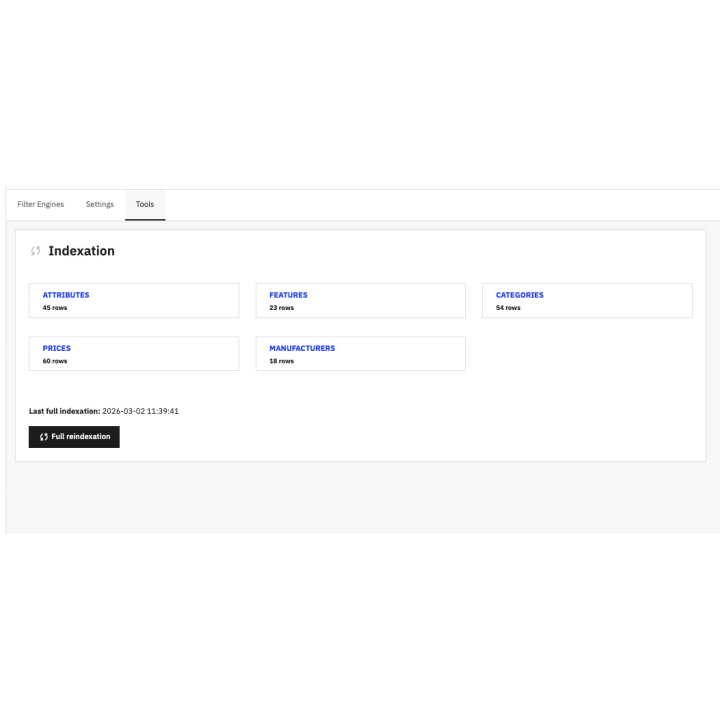
On a large catalog, a filter module must remain fast. Advanced Search Pro relies on an indexing system that prepares the combinations with their stock and the prices your customers actually see: discounts, group reductions, taxes and the visitor's currency. Added or edited products are indexed automatically, and a full rebuild runs step by step without emptying the results. The module files only load on pages that show filters. The module also offers a configurable cache with TTL (Time To Live) to maintain stable performance even during high traffic periods. This approach is particularly interesting for PrestaShop stores with many products and variants.
Clean integration in PrestaShop: no core overrides
The module is designed to integrate cleanly into PrestaShop without risky core modifications. The filters rely on the native PrestaShop product list, like ps_facetedsearch: your theme shows the products, sorting, pagination and result count as usual. The administration relies on Symfony controllers and respects your employees' permissions. This facilitates maintenance, reduces conflicts, and improves compatibility with professional environments.
Replacement for ps_facetedsearch: simple and logical migration
Advanced Search Pro is designed as a direct replacement for the native ps_facetedsearch module. Import your ps_facetedsearch templates as filter engines or create a recommended engine in one click, then disable ps_facetedsearch from the module health panel. The catalog is indexed during installation: your filters are ready. This process is suitable for stores looking to quickly modernize their navigation without redesigning the theme or adding heavy solutions.
Improve UX, reduce abandonment, and increase conversion
A good filter module isn't just a "plus": it's a direct lever for e-commerce performance. Effective faceted navigation:
- Reduces the time needed to find a product.
- Increases the number of products viewed and navigation depth.
- Decreases abandonment on category pages.
- Improves the relevance of choices and customer satisfaction.
In practice, this often translates into an increase in average basket value, more additions to the cart, and better conversion, especially on catalogs rich in variants.
For what types of PrestaShop stores?
Advanced Search Pro is suitable for most e-commerce sites, including:
- Fashion stores (size, color, cut, material).
- Electronics and high-tech (brands, technical specs).
- Spare parts and accessories (compatibility, references, attributes).
- Cosmetics and well-being (ranges, ingredients, needs).
- Sport and outdoor (sizes, uses, levels, brands).
If your store has multiple categories, variants, and a need for advanced sorting, this is typically the type of module that brings an immediate gain.
Compatibility and technical prerequisites
The module is designed for modern environments:
- PrestaShop 1.7.8, 8.2+ and 9.1+ (8.0, 8.1 and 9.0 not supported)
- PHP 7.4+
- MySQL 5.7+ or MariaDB 10.3+
It works with standard themes (Classic, Hummingbird) and themes that use the standard PrestaShop product list, such as those compatible with ps_facetedsearch.
In summary
Advanced Search Pro is a powerful PrestaShop module for implementing fast, modern faceted navigation adapted to current e-commerce. Thanks to Filter Engines, AJAX filtering, SEO filter pages, guided search, mobile drawer UX, and indexing + cache optimizations, you get a premium filtering experience that helps your customers find faster, compare better, and buy easier. For an ambitious PrestaShop store, it is a concrete tool to improve ergonomics and support commercial performance.
Why choose us?
See how we compare to the most common alternatives on the market.
| Feature | WePresta | Addons |
|---|---|---|
| payments Transparent pricing | check_circle | cancel |
| update Lifetime updates included | check_circle | cancel |
| support_agent Direct developer support | check_circle | cancel |
| verified PS 1.7, 8 & 9 compatible | check_circle | help_outline |
| code Standardized clean code | check_circle | cancel |
| storefront Multi-store ready | check_circle | help_outline |
| money_off No hidden renewal fees | check_circle | cancel |
Discover the module in images.
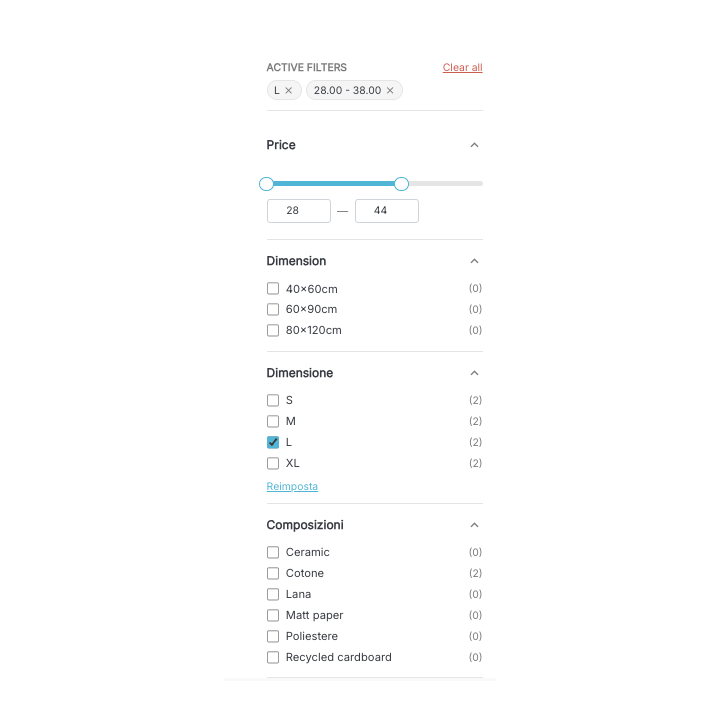
Category filters with counters, active filters and price slider
List filtered by color and size, active filters above the products
Filter panel on mobile
SEO filter page with its title and introduction text
Guided search on the homepage
Filter engines: ps_facetedsearch import and recommended engine
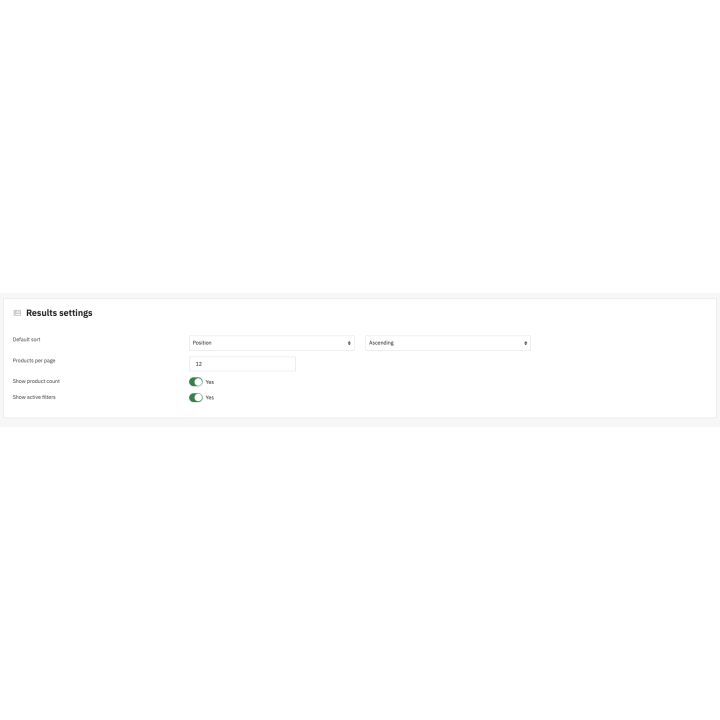
Engine settings: position, pages and sorting
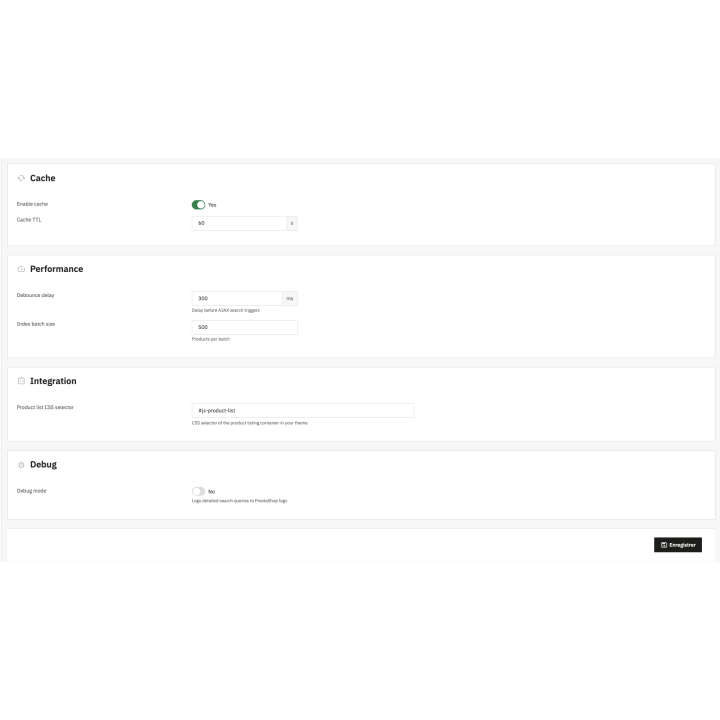
Filter groups: display, values without products and in-stock combinations
Creating an SEO filter page
Indexing and health: step-by-step rebuild and checks
Guided search results page
FAQ
Find answers to frequently asked questions about this module
Join +98 merchants using this module
5-minute installation · Full documentation included