One-page checkout in PrestaShop: set up Express Checkout
How to turn PrestaShop's four-step checkout into a single page: activation, test mode, payment and carrier compatibility, shipping updates when the address changes, and what to do when PrestaShop 9.2 shows its own one-page checkout.
PrestaShop's four-step checkout asks for a click on Continue at every screen, and some customers stop before the payment. Express Checkout puts contact details, address, shipping and payment on one page. Here is how to set up this one-page checkout without breaking your payment and carrier modules, and what to check before you open it to every customer.
Is one-page checkout right for my shop and my PrestaShop version?
It is meant for shops that use a theme shipped with PrestaShop or a child theme, from PrestaShop 1.7.8 and PHP 7.4.
The module replaces the block of steps with a single page. It builds on the theme and on standard payment and carrier modules: no PrestaShop file is changed and no class is overridden. A shop that sells simple or configurable products, with one or more carriers and a standard payment method, is the typical case.
Three cases fall outside the scope. A theme whose checkout page is entirely custom keeps the standard checkout, and the Diagnostic says so instead of guessing an unknown template. PrestaShop 1.7.7 and older are not supported. The module adds no field to the form either: it uses the PrestaShop address fields, with the option that folds the address complement, the company and the VAT number.
How do I set up one-page checkout in PrestaShop?
Install the archive from Modules > Module Manager, activate the license, switch to Test mode, check a test order, then choose On for everybody.
After clicking Upload a module, open Configure. The page starts with the license form: enter the License Key and the License Secret from your WePresta customer area, then click Activate License. The Checkout panel holds the main setting, One-page checkout, with three choices: On for everybody, Test: only for the addresses and the link below, and Off (standard checkout).
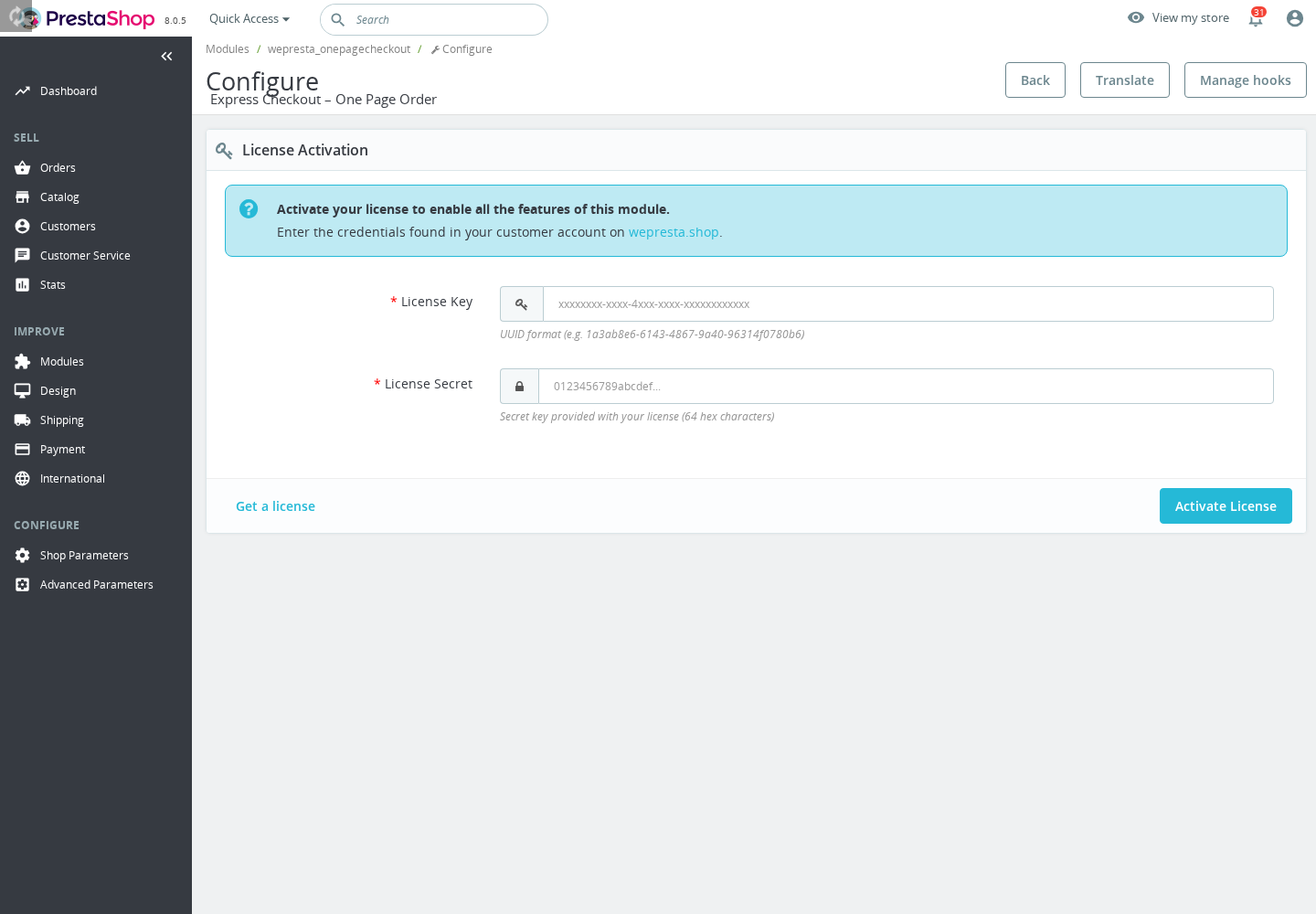
For a first run, choose Test mode and save. Add your address under Test IP addresses, or open the Preview link: only those visitors see the new page, and your customers keep the standard checkout. The link is private and valid for eight hours in the browser that opens it.
Then set the presentation. Layout offers All sections open or Accordion (one section at a time), with the accordion, a folded section shows a summary of what the customer entered and an Edit link. Section style offers Card (with border and shadow) or Flat (no border). The Checkout options panel covers the common cases: No choice when there is a single carrier, Payment method ticked at the start, Fold the optional address fields and Hints while the forms are filled.
A concrete case: a shop that ships in one country with a single carrier and card payment. It switches on No choice when there is a single carrier, sets Payment method ticked at the start to Automatic when there is only one, checks one order in Test mode, then moves to On for everybody. The customer sees one page, the carrier and an already selected payment method.
Does one-page checkout work with my payment and carrier modules?
Yes, with modules that follow the standard PrestaShop mechanisms, and Test mode lets you check them before opening the page to everyone.
A payment method with its own button keeps its own button: the shop's order button is not shown next to it. A carrier whose module confirms the delivery itself, such as a pick-up point choice, keeps the Continue button in the Shipping section and blocks payment until it has validated. When the amount or the list of payment methods changes, the page is loaded again once, so the payment module starts from the right total.
The Diagnostic lists the payment methods it found and the carriers that confirm their step; it also stores the last problem with its date. To follow the real journey afterwards, Google Analytics 4 and GTM record the checkout events.
How do I enable guest checkout without forcing an account?
The module follows PrestaShop's guest checkout setting: when an account is not mandatory, the customer orders without a password.
A new customer fills first name, last name, e-mail and address in one form, then clicks Continue once. If guest checkout is off in your shop, the form asks for a password to create the account. An e-mail already registered, a weak password or a refused address bring the customer back to the section concerned with PrestaShop's message, and the first field in error gets the focus. The sign-in link stays visible: a customer with an account signs in without leaving the checkout, and the cart follows.
If you want to remove the password without removing the account, Magic Login replaces the sign-in with a six-digit code or a link.
Why does the shipping cost not update when the customer changes the address?
With Express Checkout, the address change is saved, the page is read again, and the carriers, taxes and total follow.
The module saves the address, including in another country, then reads the page PrestaShop displays and updates the states, the summary and the sections concerned. A change of carrier, voucher or message takes the same path. The order message and the gift message are saved as soon as the field loses focus.
If the total does not move, check the mode first (in Test, are you in the list or did you open the link?), then the Diagnostic and the page cache, which must never keep the checkout page. Last, rule out another module that would replace the checkout process. The Diagnostic names the class involved and keeps the last problem with its date.
Does one-page checkout work on a phone and on PrestaShop 9.2?
On a phone, yes: the summary folds under a bar that keeps the total visible, and on PrestaShop 9.2 everything depends on the native one-page checkout setting.
The page works on a computer and on a phone, and the module is announced for PrestaShop 1.7.8, 8.0+ and 9.0+, with PHP 7.4 minimum. On a computer, the summary stays fixed next to the sections. On a phone, a tap on the bar opens it. With the accordion, the section titles work with the keyboard, and the section that holds an error opens automatically.
From PrestaShop 9.2, PrestaShop ships its own one-page checkout, set in Design > Checkout. When it is on, it is displayed instead of Express Checkout, and the module loads none of its CSS or JavaScript files on that page. The configuration page then shows a warning with an Open Design > Checkout button, and the Diagnostic adds a PrestaShop one-page checkout row.

To get Express Checkout back, choose the four-page checkout in Design > Checkout, then clear the cache. A shop that prefers the native checkout can keep it: the Diagnostic row explains why Express Checkout is not displayed, without uninstalling the module. After a PrestaShop update, check this row before opening the checkout.
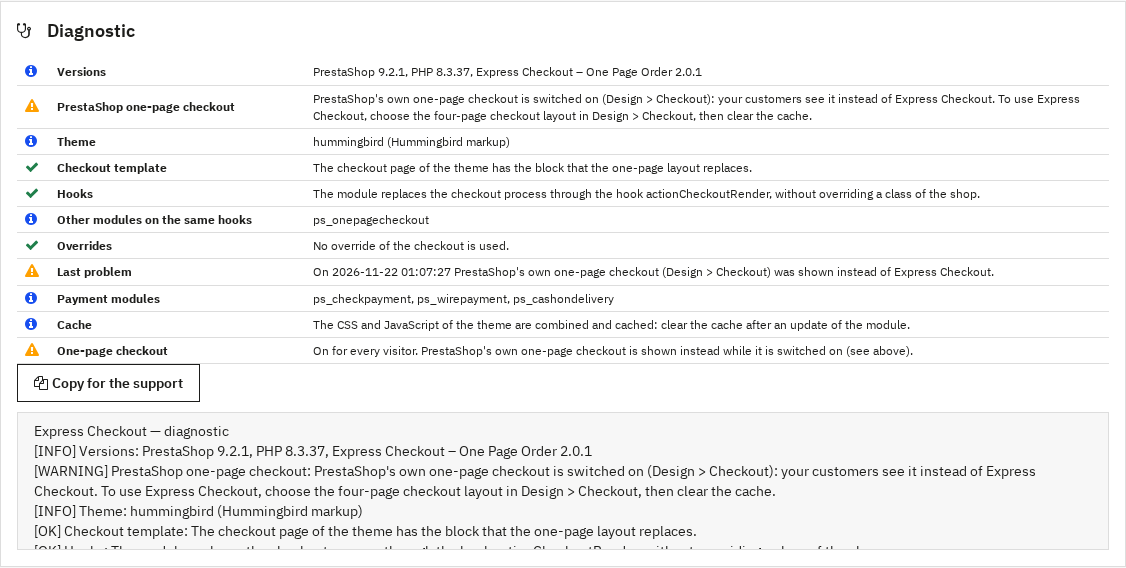
The Diagnostic also translates the last problem: it gives the date and names the cause (PrestaShop's own one-page checkout, another module or theme, or an error). The Copy for the support button puts this report on the clipboard, without personal data or secrets.
Does one-page checkout improve conversion and reduce cart abandonment?
It removes the clicks between the steps; it does not promise a conversion rate and does not keep customers who want to leave.
The module measures nothing: to know the effect of the change, compare your analytics tool before and after, with GA4 tracking for instance. It adds no custom field to the checkout form and does not try to adapt a fully rewritten theme template: in that case, the standard checkout stays and the Diagnostic explains it.
It does not prevent abandonments either: a customer can still leave the page. Abandoned cart reminders bring back abandoned carts, with reminder e-mails and PrestaShop discount codes. On the license, the seven-day tolerance covers only transient server answers; an expired, revoked or suspended license switches the module off without that tolerance, and the standard checkout comes back.
The module page and the full documentation cover the remaining settings: Express Checkout on wepresta.shop and the documentation.
Frequently asked questions
How do I set up one-page checkout in PrestaShop?
Does one-page checkout work with all payment modules?
How do I offer guest checkout without forcing an account?
Does the module work on PrestaShop versions older than 9.2?
Why does the shipping cost not update when the customer changes the address?
What is the difference between Express Checkout and PrestaShop's native one-page checkout?
Products in this article
Express checkout: one-page order
The whole order on a single page: contact details, address, shipping and payment One form for a new customer; a...

Magic Login - Passwordless Sign-in and Google Sign-in
Sign in or create an account with an e-mail address only: a 6-digit code, a one-click link or Google Replaces...

Google Analytics 4 (GA4) and GTM and Search Console Easy Connect
Complete GA4 tracking: 15 e-commerce events from click to payment, with consistent product data Purchases...

Abandoned Cart Reminder
Bring customers back to their carts with up to three personalized reminder emails. Abandoned Cart Reminder combines...
Read also
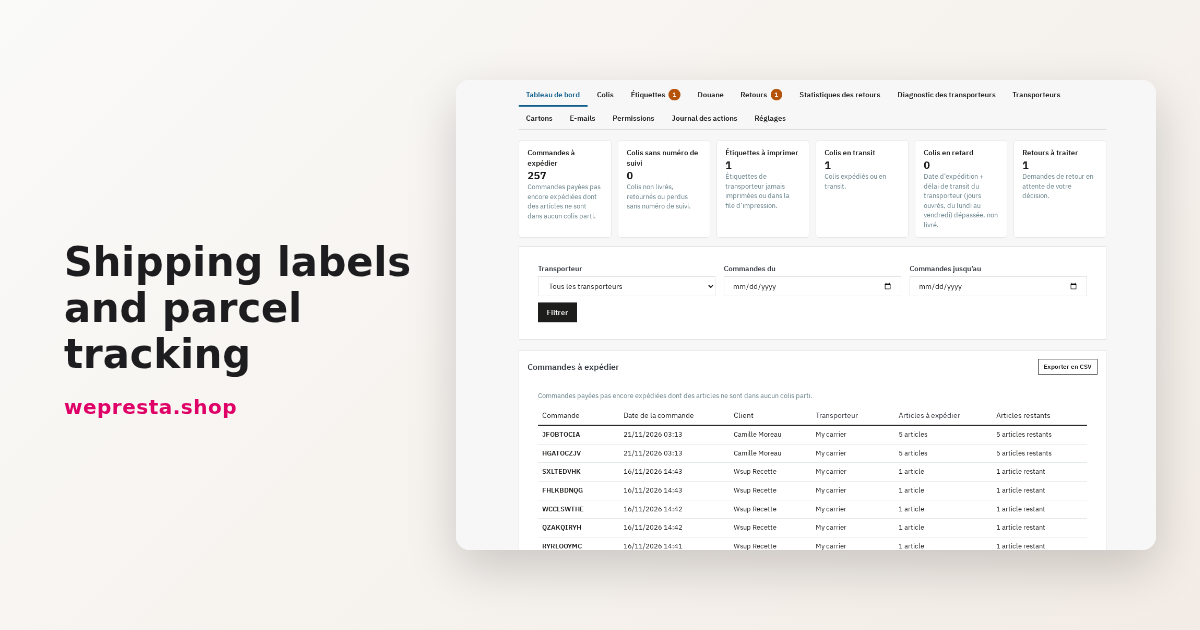
Shipping labels and parcel tracking in PrestaShop
An order leaves in three parcels, carrier labels pile up in a downloads folder and tracking numbers live in a spreadsheet. The module gathers parcels, labels, customs…
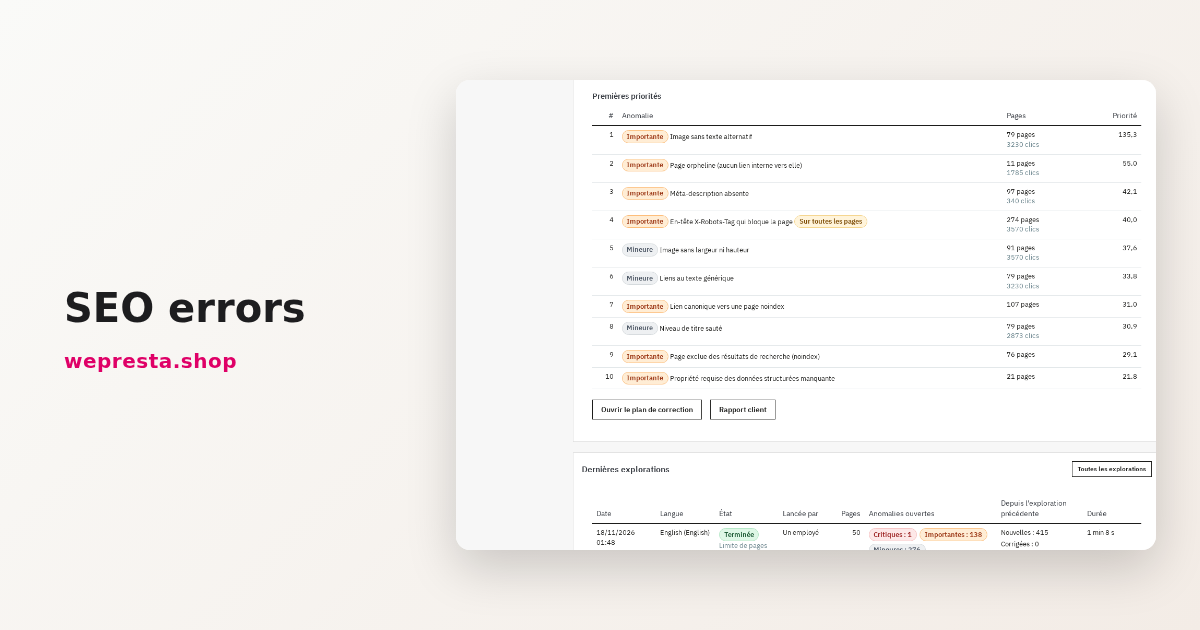
SEO audit for PrestaShop: 404 errors, broken links and a fix plan
SEO errors crawls the store in served HTML, ranks issues by severity and traffic, then fixes the 404s, redirects, addresses and robots.txt.
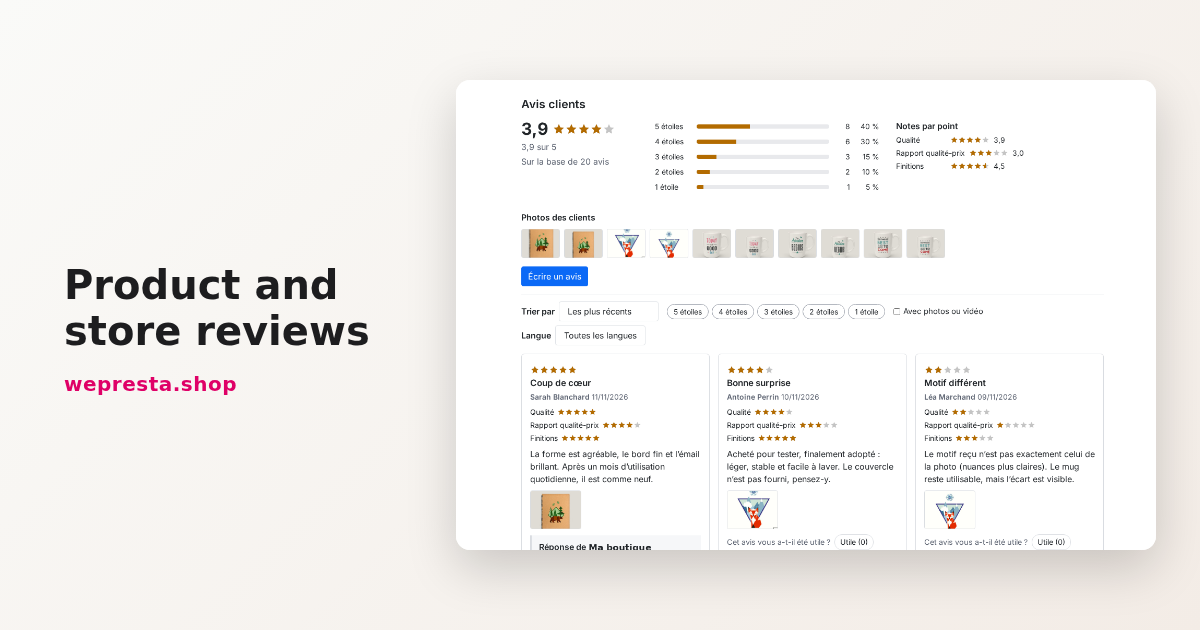
How to collect and publish customer reviews on PrestaShop
From the review form to requests sent after delivery, moderation, public replies and JSON-LD markup: how the Product and Store Reviews module organizes collection on a…