Green claims on PrestaShop: find them and document them
Since 27 September 2026, the EmpCo directive frames environmental claims. Here is how to audit a PrestaShop catalogue, decide on each finding and keep the evidence.
“Carbon-neutral delivery”, “eco-friendly product”, “sustainable fashion”: these phrases worked as sales arguments for years, and nobody asked for the receipts. Since 27 September 2026, directive (EU) 2024/825, known as EmpCo, requires a shop to substantiate its environmental claims. Here is how to find those texts in a PrestaShop catalogue, decide what to do with each finding and keep a record of the decisions.
What is the EmpCo directive and when does it apply?
Directive (EU) 2024/825 amends directive 2005/29/EC on unfair commercial practices and applies from 27 September 2026 across the European Union.
It does not set out a list of banned phrases: it targets greenwashing, meaning an environmental claim that the trader cannot substantiate. Five families of wording are covered:
- the generic environmental claim, such as “ecological” or “environmentally friendly”, without recognised excellent environmental performance (Annex I, point 4a).
- carbon neutrality based on offsetting (Annex I, point 4c).
- a sustainability label without certification (Annex I, point 2a).
- future performance without a verifiable plan (Article 6(2)(d)).
- a legal requirement presented as a distinctive feature (Annex I, point 10a).
The module reuses these five families, with their reference, in every finding. National laws may add their own rules.
Do I have to delete “carbon neutral” and “eco-friendly” from my product pages?
Not by default: a claim becomes risky when it stays generic or rests on offsetting, and a precise, measured or certified wording can replace it.
“Carbon neutral” on its own, based on offsetting, falls under Annex I, point 4c. “Eco-friendly” without detail falls under point 4a. A product page that names a recognised label and its certificate number says something else.
The module lowers the severity by one level when a percentage, a figure with an environmental unit, a recognised label or certification, or a negation sits near the term. It shows the reason for that drop, but keeps the finding in the list and in the counters.
It does not decide for you. You see the term, the sentence around it and the risk family, then you choose: rewrite, justify with evidence or accept as a permanent exception.
Who needs the module, and who can skip it?
It is for B2C shops that sell in the European Union and talk about the environment in their texts, whatever the sector.
Cosmetics, fashion, home, baby, garden, food, zero waste: as soon as a product page, a category, a CMS page, a brand, a supplier or a carrier’s delivery delay carries a green promise, the text must be defensible. Agencies that manage several shops scan each shop separately and export each client’s findings and review log as CSV.
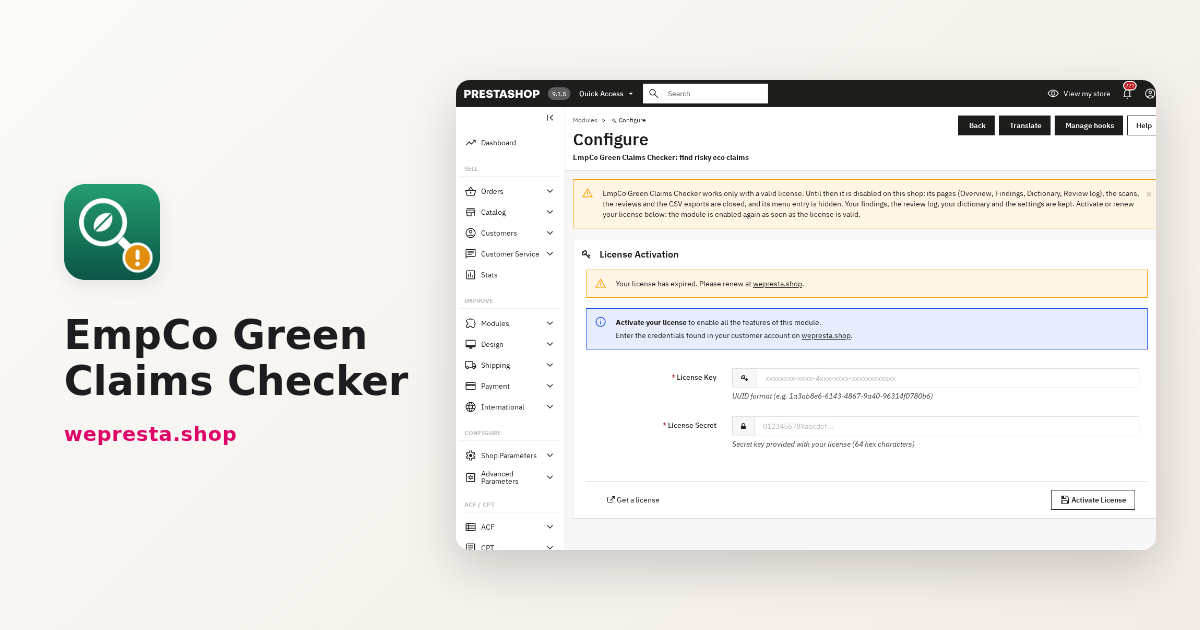
A shop that never mentions the environment, or sells only to businesses outside the scope of the directive, will find little to flag. The scan is still the same: you learn what your catalogue states. The module is presented on the EmpCo Green Claims Checker page.
How do I audit a whole PrestaShop catalogue without spending weeks?
The module reads the shop texts from the back office and lists the wording to check, without ever changing your texts.
Install it from Modules > Module Manager: download the archive from your WePresta customer account, click Upload a module and upload the ZIP file. Then open Configure to activate the license, and open the module from the button on the configuration page, from WePresta > Green claims (EmpCo), or from Modules > Green claims (EmpCo) when the shop has no WePresta menu.
- In Settings, check the Diagnostic: PrestaShop and PHP versions, mbstring, Unicode PCRE, the shop languages and whether each has a built-in dictionary.
- Open Overview, check the shop selected at the top of the page, then click Scan the shop.
- The scan runs in batches with a progress bar. If you close the page it stays running, and the Overview offers Resume the scan or Start again.
- Open Findings, filter by severity, family, object type, language, term or status, and start with high severity.
- On each row, Edit the text opens the edit page in a new tab; Review opens the decision window.
- Run a scan again after your corrections. Findings whose term has disappeared move to Fixed, and justified findings whose text changed come back as To do.
The module reads product names, summaries, descriptions, meta titles, meta descriptions and image captions, feature values and names, categories, CMS pages, brands, suppliers and carriers with their delivery delay. Disabled objects are scanned too, with a badge, so that they can be fixed before they are enabled.
A concrete case: a cosmetics shop sells in English and German. One product page says “environmentally friendly” and a carrier advertises “carbon-neutral delivery”. The first scan returns both findings, with the object, the field, the language and the excerpt. The team replaces the phrase with the label name and its certificate number, and the carrier promise with the real delivery delay. At the next scan both findings move to Fixed, and the review log records each correction with its date.
What proof should I keep for an environmental claim?
Evidence is a dated document that ties the wording to something measurable: a certificate, a test report, a measurement, a recognised label with its number.
In the Review window, the Justified status requires a note describing that evidence. Permanent exception accepts a wording for a durable reason, as long as the term remains, even if the text changes later. Fixed marks a finding whose term is gone. Every decision records the employee, the date and, where given, the note.
The Review log only adds entries: an earlier review is never overwritten. Two CSV exports leave the module: the findings with the current filters and the review log. They are UTF-8 with BOM, semicolon-separated, and contain no back-office link. This is the file you show to a client, a marketplace or an authority.
What does the module do, and what does it not do?
It finds and documents; it certifies nothing, gives no legal advice and does not guarantee that the shop is compliant.
The module is read-only: it rewrites no text, adds no file to the theme and registers no hook. No catalogue data leaves the shop, apart from the license check of the licensed edition, which sends no catalogue text.
Its limits are explicit. It does not read product tags, attachments, availability and delivery messages, texts added by third-party modules (reassurance blocks, blogs, emails) or images. The texts of a shop language without a built-in dictionary, such as Dutch, Portuguese or Czech, are checked with your own terms and the English terms.
The references point to directive 2005/29/EC as amended by directive (EU) 2024/825; national laws may add rules. When in doubt, ask a legal professional. The module documentation describes every screen. To publish composition, durability and certifications on a page reached by QR code, the digital product passport rounds out the approach.
What happens without a valid license?
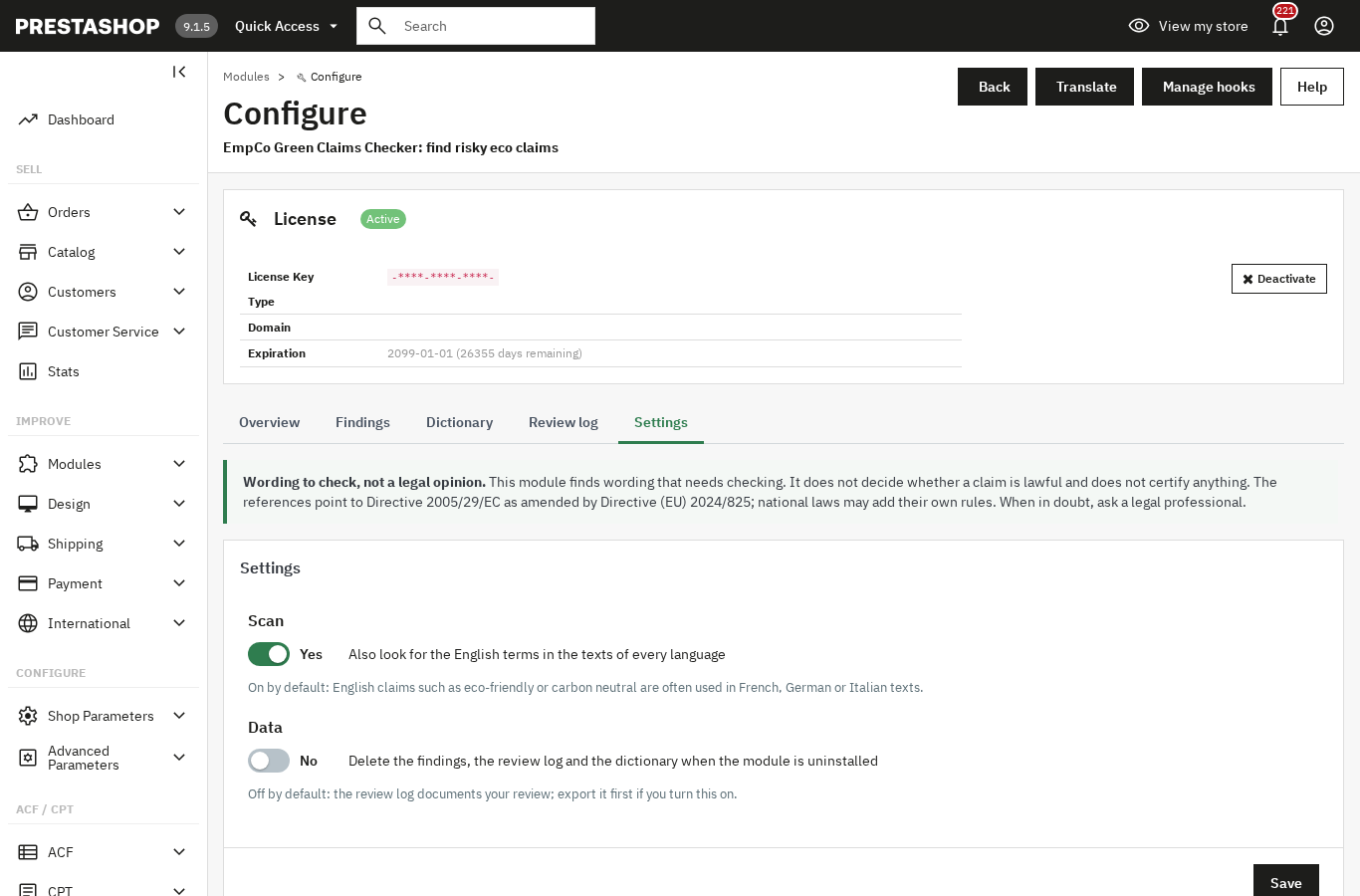
Without a valid license, the module disables itself completely: its menu entry disappears and its pages, scans, reviews and CSV exports are no longer available.
The configuration page stays available and shows the warning and the license form, with no settings, no reset and no diagnostic. The Module Manager refuses to enable the module while the license is invalid.
Your findings, scans, review log, dictionary, settings and license keys are kept. A running scan stops at its next request and can be resumed after reactivation. As soon as the license is valid, opening the configuration page re-enables the module and everything comes back as it was.
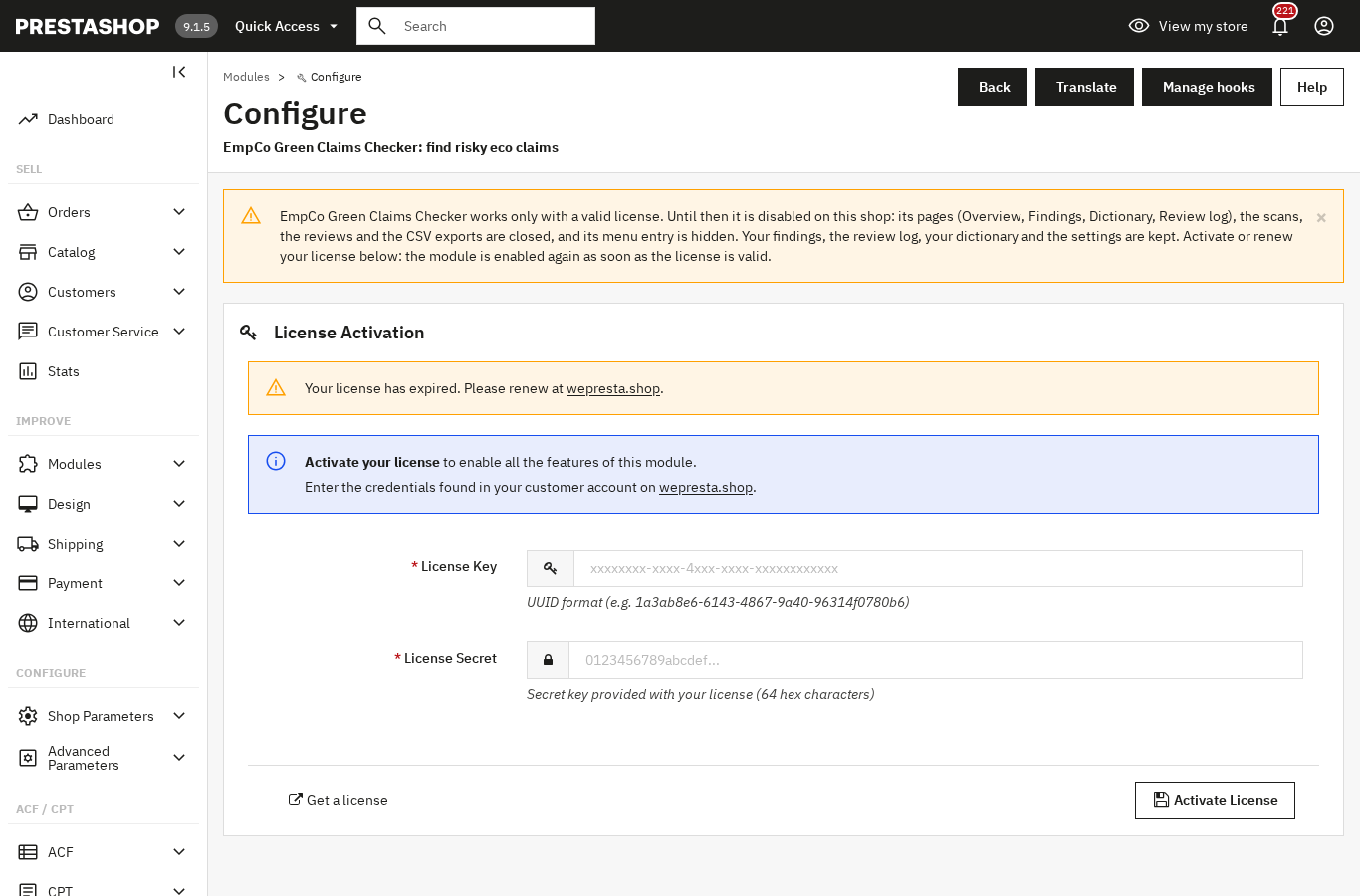
An end date in the past is re-checked with the server before concluding: a renewed subscription is recognised. A transient license-server incident (unreachable server, server error, rate limit, invalid timestamp, unreadable answer) does not cause a valid license to expire: the module allows seven days of tolerance from the first failure. The check runs in the back office only, at most once an hour and every five minutes on the configuration page while the license is invalid.
The module runs on PrestaShop 1.7.8, 8.0+ and 9.0+, with PHP 7.4 minimum, in the back office only. The EmpCo Green Claims Checker page lists the full requirements.
Frequently asked questions
Do I have to delete “carbon neutral” and “eco-friendly” from my product pages?
How do I audit a whole PrestaShop catalogue for risky claims?
Is “carbon neutral” still allowed when the product uses carbon offsets?
Which certifications count as evidence for an environmental claim?
What happens if I keep unsubstantiated claims after 27 September 2026?
Products in this article

EmpCo Green Claims Checker: find risky eco claims
Finds the wording to check in every text of the shop, in each active language A built-in dictionary in six...
Digital Product Passport (DPP): QR code & public page
A public passport page and a printable QR code for every product Composition, durability, repair, end of life,...

EU Deforestation (EUDR): flag products at risk and track supplier DDS
Finds the products made from the regulation’s seven commodities: wood, coffee, cocoa, soya, palm oil, rubber and...

EAA & WCAG 2.1 AA accessibility audit
WCAG 2.1 AA accessibility analysis of the real pages, contrasts included Safe automatic fixes, switched on one...
Read also
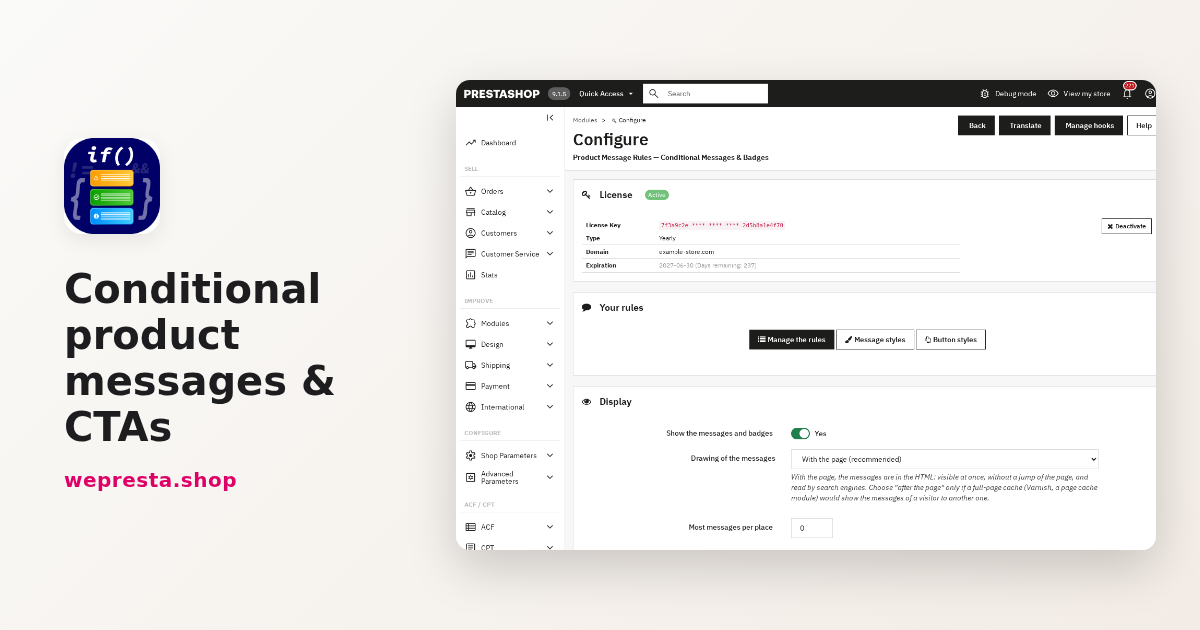
How to show conditional messages on PrestaShop product pages
One rule shows the right message, badge or button on the pages it targets, then removes it when the condition changes. Setup steps, a concrete case and limits.
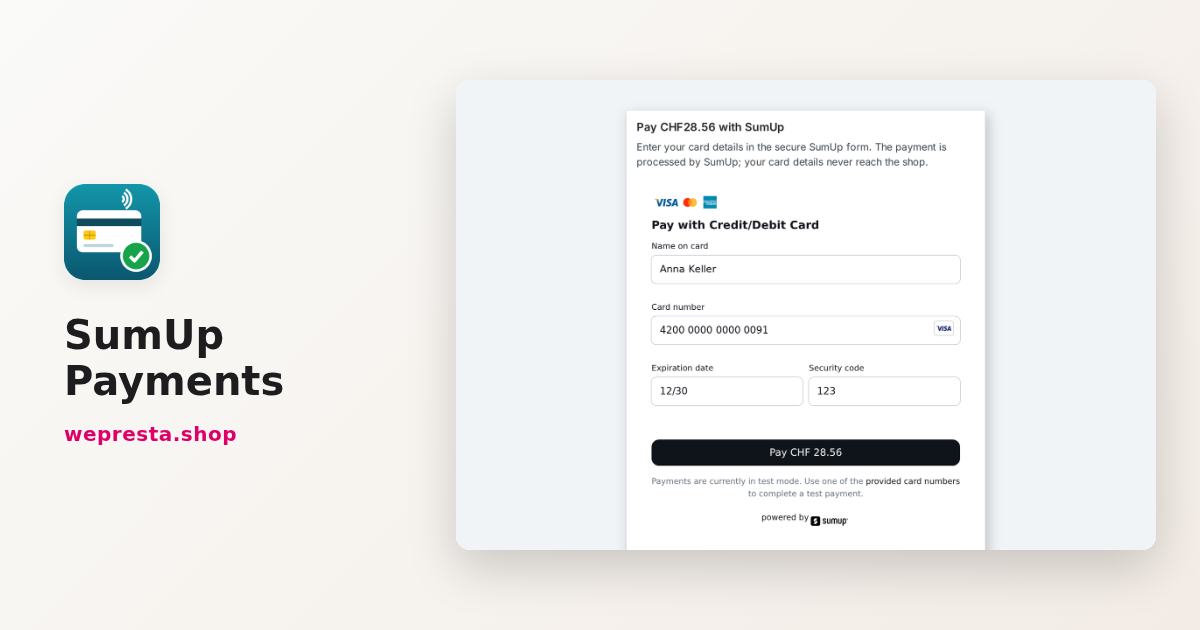
SumUp on PrestaShop: setup, card payments and refunds
How to connect your PrestaShop shop to your SumUp account, choose between the form and the SumUp page, avoid orders left pending and refund from the order page.
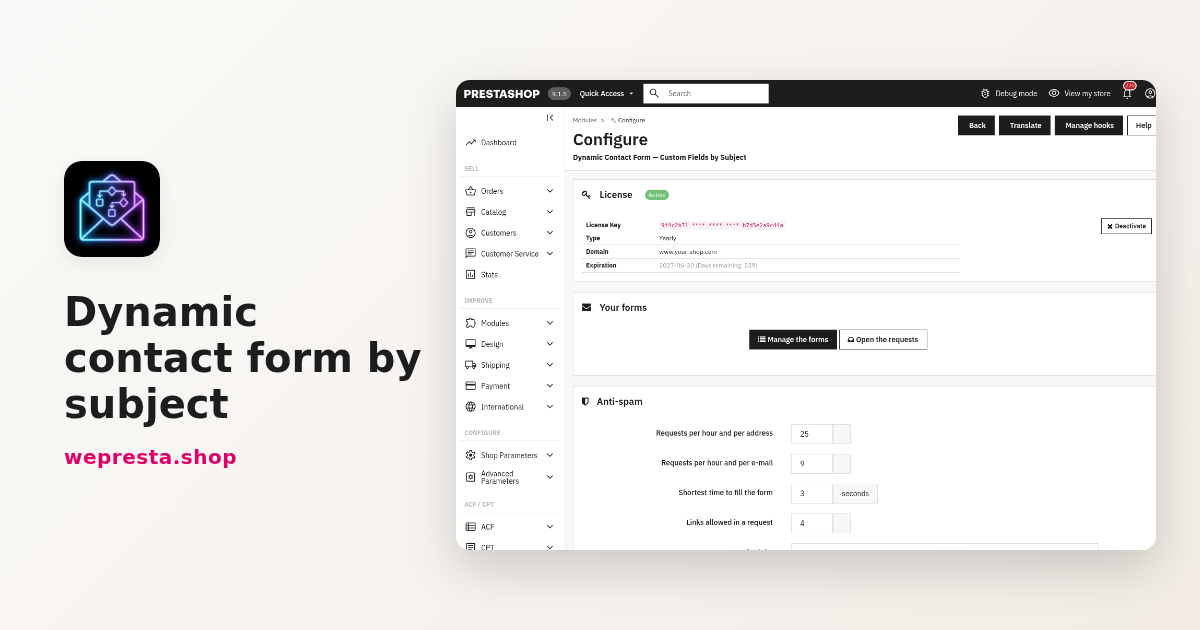
PrestaShop contact form: route every request by subject
One PrestaShop contact form per subject: conditional fields, routing to the right team, protected attachments, spam limits, GDPR consent and what version 2.0.1 changes…