PrestaShop full page cache: when it helps and how to set it up
Cache Pro stores your PrestaShop pages and serves them before PrestaShop rebuilds them. Settings, carts, purges, pre-load and the 2.0.1 license change.
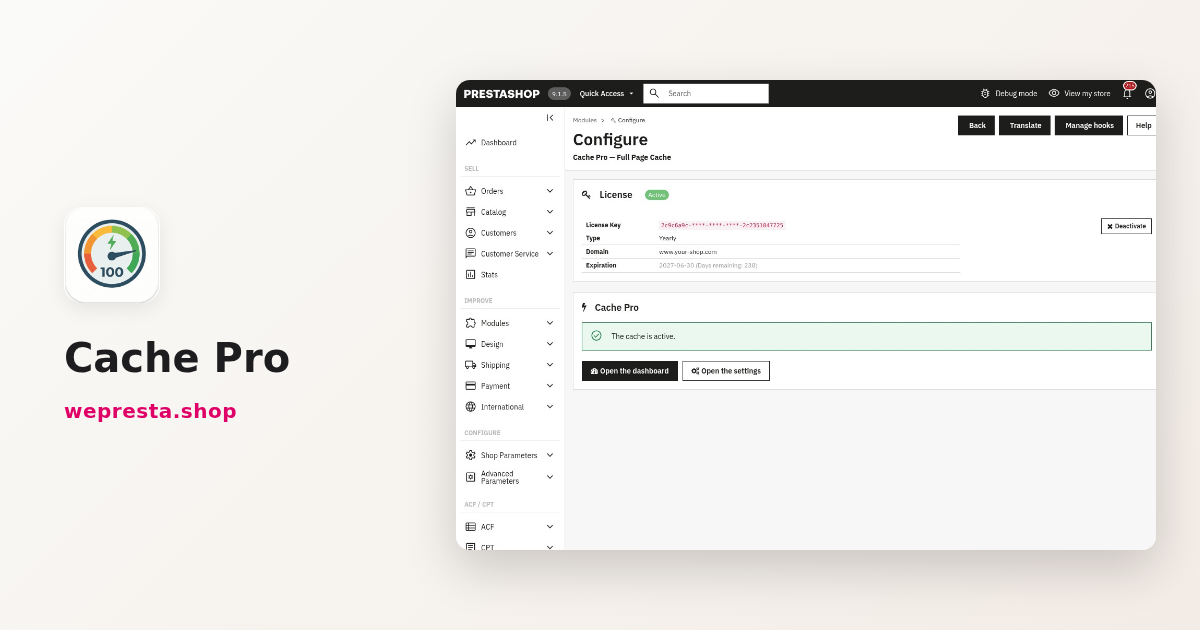
Your PrestaShop store takes several seconds to show a product page, and you are weighing a performance optimization: the speed gain of a full page cache is real, but you worry about an empty cart or stale prices. Cache Pro caches the HTML of your public pages and sends it back before PrestaShop rebuilds them, so each page load reuses the stored copy. Here is who gets those pages, how to set it up in the back office, what it does not do, and what version 2.0.1 changes about the license.
Do you really need a full page cache on PrestaShop?
Yes when many anonymous visitors open the same pages and your server rebuilds them every time. No when your shop is tiny, when every page is personalised, or when a server cache already serves them.
A PrestaShop page is more than a compiled Smarty template. On every visit, PrestaShop boots the framework, opens the database, runs the page queries, calls the hooks of every installed module, then assembles the HTML. The Smarty cache avoids recompiling templates; it avoids neither the SQL queries nor the hooks. A full page cache goes further: it keeps the final HTML.
The first visit to a page builds and stores it. The next visitors get the stored copy, already compressed in Gzip and in Brotli when the PHP extension is present. On a page served from the cache, the module runs no SQL query. Your server does less work for the same traffic.
Cache Pro fits a catalogue with many products, price rules and modules, where the home page, categories and product pages are seen by visitors who are not signed in. It adds little to a shop with a few dozen products, to a site where every page depends on the customer account, or behind a server cache that is already in place. In that last case, keep one page cache at a time.
Which pages are stored, and who gets a normal page?
The pages that are the same for every visitor are stored: home page, product pages, categories with their pages 2, 3 and their sort orders, CMS pages, best sales, new products, promotions, brands, suppliers and the sitemap. The cart, checkout, account, search and contact pages never are.
Faceted filter pages are stored only if you enable Cache filtered pages; the option is off by default.
Cache Pro keeps a separate copy per shop, language, currency and device, desktop or mobile. Tracking parameters such as utm_source, gclid or fbclid do not create one: a campaign link uses the same copy as the normal address. An address with an unknown parameter is not stored.
A signed-in customer, a visitor with products in the cart, an excluded address, an Ajax request, a form submission or maintenance mode get a page built by PrestaShop. That is the default, and the safest one: the cart and its totals are never frozen in a shared copy.
If you want visitors with a cart to get stored pages too, enable the option Serve stored pages and refresh the cart block. The stored page is sent at once, then a small Ajax request updates the cart block. The button Detect the cart block of my theme recognises the Classic and Hummingbird themes; for another theme, enter the hook and the CSS selector of the block. That visitor's page is never stored.
A concrete case: a Swiss shop sells in euros and Swiss francs with a responsive theme. A visitor in CHF never gets the stored copy of a visitor in EUR, and the mobile version has its own copy. The day you change a product price, only the pages that show it are removed.
How to enable Cache Pro and check that it works
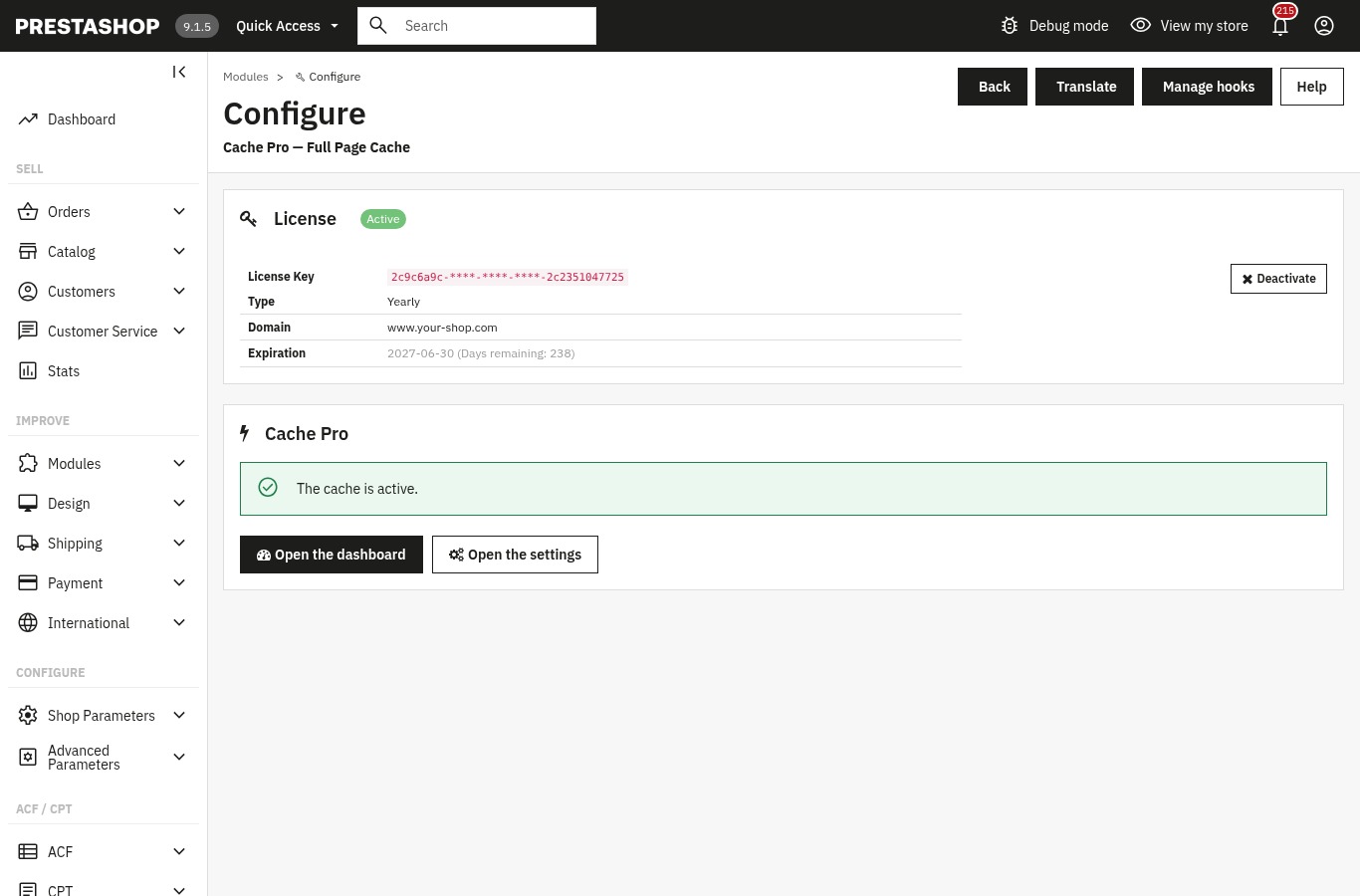
Install the archive from Modules > Module Manager, activate the license on the configuration page, then click Activate with recommended settings and Test my cache.
- In Modules > Module Manager, click Upload a module and choose the ZIP archive. The installation creates the tables, registers the hooks and protects the cache folder. The cache stays switched off until you activate it.
- Open the configuration page. The License Activation panel asks for a License Key and a License Secret; the Activate License button validates the subscription. Without a valid license, the module stays disabled.
- Open Cache Pro in the Modules menu, or in the WePresta menu on PrestaShop 9. The Health checks at the bottom of the dashboard list what to fix: cache folder, license, Gzip and Brotli, cURL, maintenance, geolocation, another page cache and disk space.
- Click Activate with recommended settings. You will then adjust each page type and its lifetime in Pages to cache.
- Click Test my cache. The test visits your home page twice: the first visit is generated and stored, the second is served from the cache, with both response times.
- Click Start the pre-load and leave the page open, or give it to a scheduled task. The pre-load visits the home page, categories, products and CMS pages in every language, and the mobile version when Also pre-load the mobile version is ticked.
To follow a page yourself, open the browser developer tools and load the page twice. The X-WP-Cache header shows MISS on the first visit, HIT on the second and BYPASS when PrestaShop answered on purpose: signed-in customer, cart or exclusion. With Apache, the cache folder is protected by a .htaccess file. With nginx, add the blocking rule given in the module documentation.
Why do my product changes not show up right away?
A stored page is served until the end of its lifetime, or until PrestaShop reports a change. Cache Pro then removes only the pages affected, not the whole cache.
The module listens to PrestaShop's native events. A change to a product, a combination, an image, a brand or a supplier removes its own pages and the lists that show it. A price change, a specific price, a promotion or a stock change, including through an order, removes the pages that show the product. A modified category or CMS page refreshes the whole shop, because menus and the footer display them.
The default cache lifetimes run from 30 minutes for the home page to 24 hours for CMS pages. Product pages stay 2 hours, categories and other lists 1 hour, and the minimum is 60 seconds. A page changed in the back office is refreshed immediately, whatever its remaining lifetime. A page showing a scheduled promotion is stored only until that promotion starts or ends.
When a change does not appear, do not clear the whole cache out of habit. The dashboard shows the latest purges and their cause. You can use Clear one page from its address, or clear everything after a theme change. Purges work even when the Enable the cache option is off.
Enabling, disabling or moving a module clears the whole shop at the next back-office page. Nothing in the module requires the cache to stay off during a PrestaShop upgrade: after the upgrade, clear the cache once and run Test my cache again.
What does version 2.0.1 change for your shop?
Since 2.0.1, a missing, expired, suspended or revoked license disables the module completely: the shop runs as without Cache Pro, and your settings stay in place.
Before this version, the module stayed enabled without a valid license: the cache no longer served pages, but the invalidation hooks and purges kept running. Version 2.0.1 stops all of it. No page is served from the cache or stored, the dashboard and settings are closed, and only the configuration page stays open with the license form.
Your settings, exclusions, statistics, purge history, pre-load state and scheduled-task token are kept. The stored pages are deleted when the module is disabled. After the renewal, the configuration page enables the module again as soon as the license is valid. The cache starts empty and fills up as visits arrive, or at once with the pre-load.
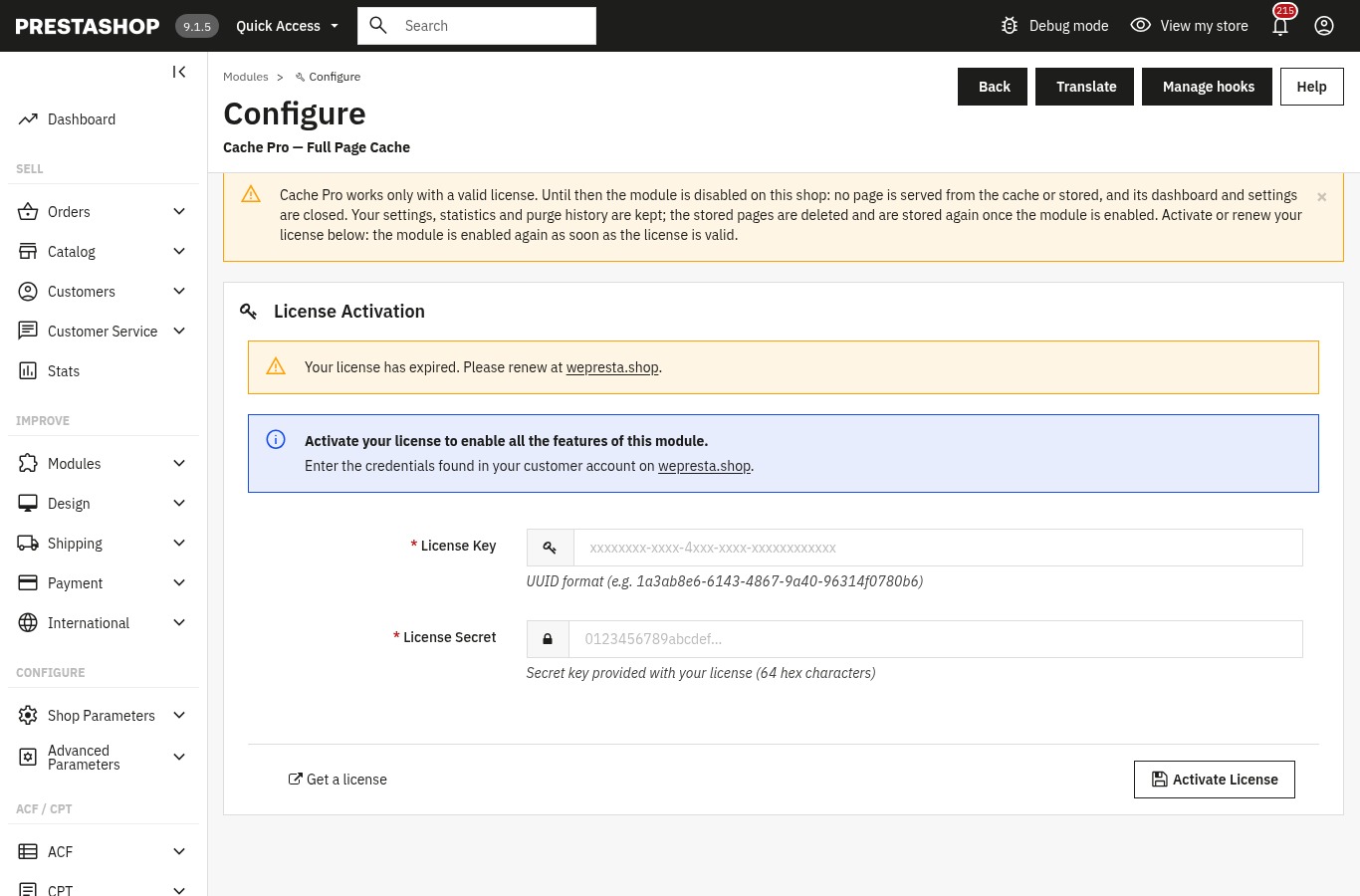
The Module Manager now refuses to enable Cache Pro without a valid license and sends you to its configuration page to activate or renew it. A paid license is not cut off by a transient response from the license server. An error, a rate limit, clock skew or an unreachable server leave seven days of tolerance counted from the first failure.
A renewed subscription stays valid during the seven days that follow the stored end date. After that, the module asks the server at most once an hour. On the storefront, a page served from the cache leaves before that check; on pages that bypass the cache, the check runs at the end of the request, at most once an hour.
In multistore, activate the license from the "all shops" view, otherwise the other shops do not read it. The 2.0.1 update installs over 2.0.0 and keeps settings, stored pages, statistics and purge history.
What does Cache Pro not do?
Cache Pro does not speed up the back office and never caches the cart, checkout, account or contact form.
The back office is built by PrestaShop on every request; the module does not touch it. Faceted filter pages are stored only if you enable Cache filtered pages, an option that is off by default. The checkout, the customer area, the pages of other modules such as a blog or a form, and Ajax requests are not stored.
The module replaces neither an undersized server nor an overloaded theme. It reduces PrestaShop's work on stored pages; the first visit to a page still costs the normal time. Compatibility: PrestaShop 1.7.8, 8.0+ and 9.1+ (1.7.7 and 9.0 are not supported), with PHP 7.4 minimum, the cURL extension, zlib and a writable cache folder. It also needs a valid license, and one page cache module at a time.
For search engines, the cache does not replace correct structured data: Schema Pro generates the JSON-LD of product pages. For faceted navigation that filters without reloading the page, look at Advanced Search Pro. For GA4, GTM and e-commerce events, Google Tracking sends them from your shop without changing the theme.
Frequently asked questions
Do I really need a full page cache module?
Does a full page cache break the cart and Ajax?
Why does a product change not show up right away?
How long does a page stay in the cache?
How do I know the cache really works?
Should I disable the cache when upgrading PrestaShop or a module?
Products in this article

Cache Pro — Full Page Cache with Brotli, Warm-Up & AJAX
Full page cache: stored pages are sent before PrestaShop builds them, with no database query from the module,...

Advanced Search Pro - Ultra-fast AJAX filters & faceted navigation
Advanced Search Pro is an ultra-fast PrestaShop faceted navigation (advanced filters) module, designed to...

Schema Pro - Complete JSON-LD Structured Data & Rich Snippets
Product, ProductGroup, Organization, WebSite, BreadcrumbList, FAQPage, CollectionPage and ItemList generated from...

Google Analytics 4 (GA4) and GTM and Search Console Easy Connect
Connect your store to Google Analytics 4 , Google Tag Manager , Google Ads and Search Console without touching...
Read also
How to take a deposit and partial payments with Stripe on PrestaShop
A customer hesitates over a large order: a deposit at checkout and the balance later, or equal instalments collected by Stripe, change the decision. Here are the rules,…
How to run a WCAG 2.1 AA accessibility audit on PrestaShop
Which pages fail, what to fix, what needs a manual check and what your accessibility statement must contain: the EAA process in PrestaShop, with its limits.
How to show conditional messages on PrestaShop product pages
One rule shows the right message, badge or button on the pages it targets, then removes it when the condition changes. Setup steps, a concrete case and limits.